
Blox Fruits to Adopt Me is different from changing maps
The official Blox Fruits experience is published by Gamer Robot Inc at place 2753915549. Its fruit catalog names Buddha, Portal, Ice and Light, among others.[2] The creator’s DLC instructions tell you to launch Blox Fruits on the account that should receive the reward, then redeem it there.[3] That is a concrete example of an experience-bound reward, not a Roblox-wide entitlement.
Roblox data stores persist items between sessions and are consistent per game. Different places and servers within that game can access the same data.[7] This lets a creator retain your inventory when you move between its maps. It does not mean that a separately created experience will interpret your Blox Fruits fruit as one of its own items.
Three inventories that should not be mixed
| Product or data | What you receive | Where it applies |
|---|---|---|
| Marketplace avatar clothing | Avatar customization[6] | Your Roblox avatar; distinct from a game’s equipment inventory |
| Game pass | A one-time special privilege[4] | The game and benefit defined by that pass |
| Game inventory or developer product | Creator-defined items,currency or repeatable purchases[5] [7] | The creator’s game data, including its linked places when implemented |
A pass can unlock a restricted area or permanent power-up; a developer product can sell repeatable currency or temporary boosts.[4] [5] Neither description promises that another developer’s game will grant the same benefit. Cross-game pass sales were disabled on May 30, 2026, which concerns where a pass can be sold, not a new ability to use its benefits everywhere.[4]
Roblox restricts off-platform secondary-market transactions in game or Marketplace virtual content.[8] Its platform Trade Items feature is currently unavailable to South Korean users.[9] Those platform restrictions should not be confused with a promise that a particular game’s separate trade menu is available to every account.
Browse Roblox experience item optionsPermanent and Physical are different Blox Fruits rewards
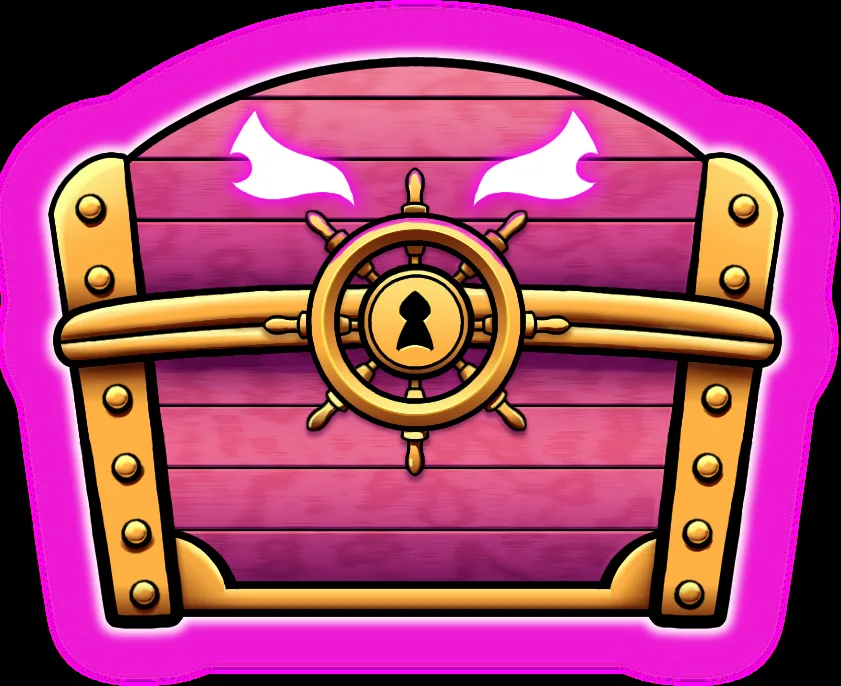
The creator’s merchandise DLC guide distinguishes a Super Fruit Box with a Permanent Fruit from a Fruit Box with a Physical Fruit. In its Series 1 reward guide, each yields one fruit of the corresponding type from a probability list.[3] A box that may produce Ice is not a listing promising a specific Ice fruit. Both kinds of reward are redeemed to the Blox Fruits account, rather than to an unrelated experience.
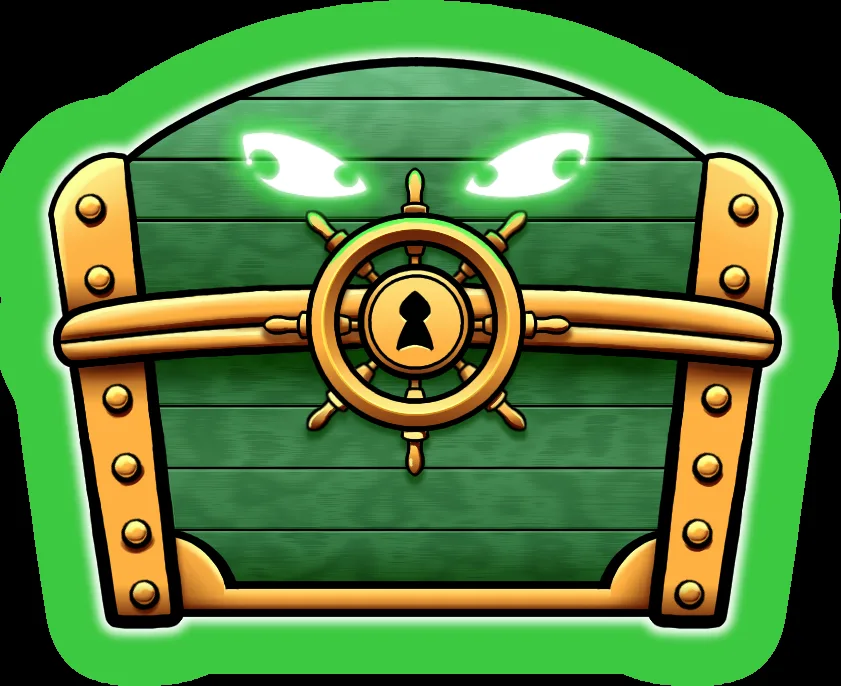
The pink and green boxes above are the creator’s Permanent and Physical reward artwork.[3] They illustrate why the fruit name alone is incomplete: the result also depends on the product type, and a random box differs from a named fruit. The public category separately labels Permanent and Non Permanent products.[1]
Use the experience’s own menu to find its items
- Open Blox Fruits from the Gamer Robot Inc experience page, not an avatar-catalog result.[2]
- Use its Shop menu to find fruits; the creator also names the Gacha NPC, map pickups and events as acquisition routes.[10]
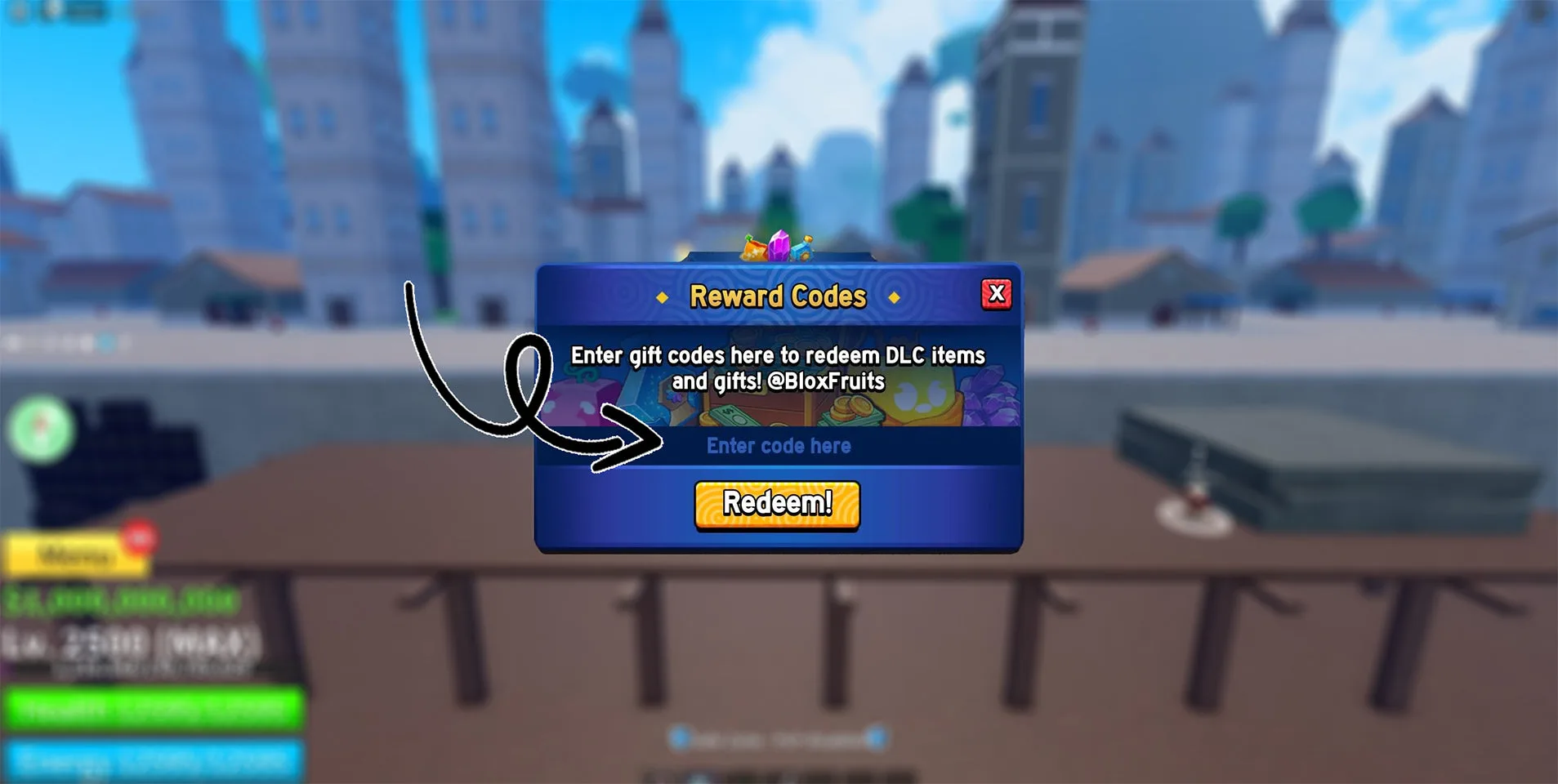
- For an owned merchandise DLC code, the creator’s route is the left-side gift icon, Reward Codes, then Redeem! on the intended account.[3]
- For a game-specific trade, keep the exchange inside the creator’s Official Trading System. Blox Fruits does not allow cross-game trades.[10]
The gift icon in this documented flow opens code redemption. It does not send a fruit to another experience, and it should not be mistaken for a general Roblox gifting menu. Once you have identified the actual game and product form, there is no need to repeat the same compatibility check in every later screen.
Compare products within the game you actually play
For a Blox Fruits goal, compare a named fruit or pass under Blox Fruits. For avatar clothing, use the Marketplace. A player who still needs an experience-specific item can use the category options below, keeping the game, named reward and Permanent or Physical form together.
Browse Roblox experience item optionsSources
- RBL category product examples
- Blox Fruits experience and named fruit catalog
- Blox Fruits DLC scope and redemption
- Roblox game pass scope
- Repeatable developer products
- Marketplace avatar items
- Shared data within one game
- Roblox secondary marketplace restrictions
- South Korea platform trading limitation
- Blox Fruits creator rules and fruit acquisition