
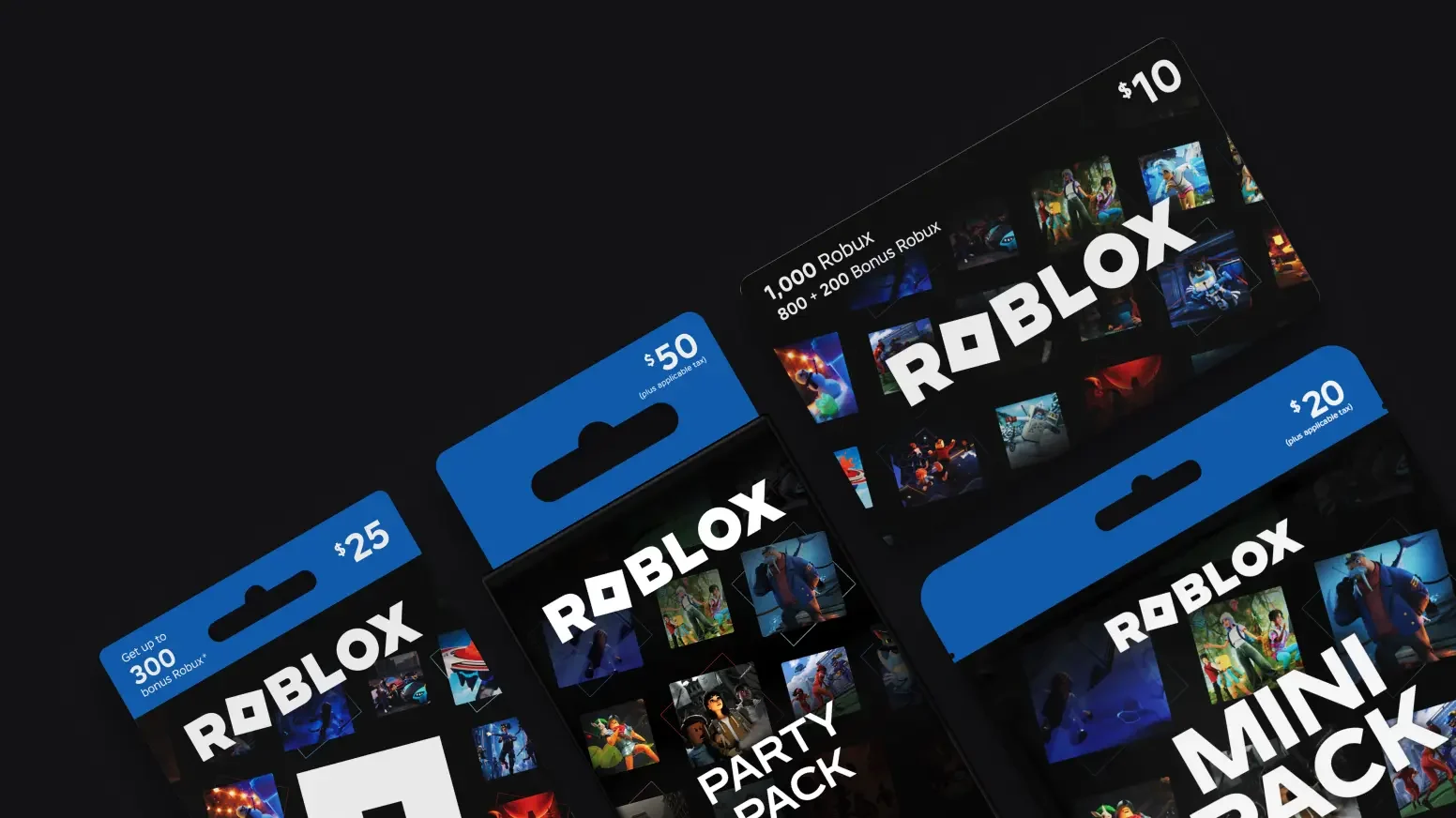
Are you buying a gift or sending Robux you already have?
| What you want to give | Who funds it | How the recipient gets it | Choose this when |
|---|---|---|---|
| A gift-link Robux package | The buyer pays for a new package. | Automatic balance credit.[1] | Eligible US adults want a direct purchase for the named recipient. |
| Robux through Plus | The subscriber sends from their Robux balance. | The recipient accepts the transfer.[2] | You already have spendable Robux and a qualifying sender account. |
| A gift card or Robux code | The buyer purchases a redeemable code. | The recipient redeems it on their own account.[3] [4] | You want to send a code and let the recipient apply it. |
Start with where the value comes from. A non-player buying a birthday present needs a purchase option. A player with spare Robux needs a balance transfer. A gift code leaves redemption to the recipient. Each choice leads to a different screen.
Use a gift link for an eligible US purchase
The requestor opens Buy Robux on desktop or web, selects Request Robux, then shares the link or QR code. The buyer opens it in a browser, checks the username and avatar, chooses a package and message, verifies their phone, and pays.[1] Start from Roblox’s Buy Robux page.[5]
This purchase credits the recipient automatically; there is no Accept step. Gift-link packages use standard non-Premium prices, with no bonus Robux or virtual item. Prepaid payment cards are not accepted, and completed gifts are non-refundable.[1]
For a one-off gift, compare the actual package you are buying with the amount you want the friend to receive. A card’s printed value and a package’s Robux amount are different units. Decide which result you want first, then compare offers on that same basis.
Use Plus to move an existing Robux balance
The sender needs Roblox Plus; the recipient does not. Roblox’s transfer guide requires an age check at 16 or older, or a linked parent’s approval for younger users. Some regions continue to require parental approval below 18.[2]
The recipient accepts the pending notification and completes any required approval. My Transactions then shows the result. A completed transfer cannot be reversed, so the named recipient and amount matter before sending.[2]
Keep the gift budget separate from the subscription decision. A cash gift-link purchase is a new package purchase; a Plus transfer consumes balance the sender already holds. If you would subscribe only to make one gift, compare that subscription commitment with a code purchase rather than treating the transfer itself as the whole cost.
What counts as the gift arriving?
| What you received | What to do next | Where the value appears |
|---|---|---|
| A completed gift-link purchase | The buyer keeps the emailed receipt. | The requestor’s Robux balance updates automatically.[1] |
| A pending Plus transfer | Accept it and complete any required parent approval. | My Transactions shows the transfer status.[2] |
| A gift-card PIN or Robux code | Redeem it while signed in to the intended recipient account. | The confirmation identifies the credit or item added.[4] |
An email containing a code and an increase in the Robux balance are different milestones. A code can be delivered before its recipient redeems it. If the friend says the gift is missing, first establish which of those three things was sent; asking them to accept a code or redeem a Plus transfer sends them to the wrong task.
Give a code the recipient can redeem
Roblox gift cards generally redeem into Roblox credit, which can buy Robux or an eligible Plus subscription. Some codes, including specified Amazon digital codes and Party or Mini Pack codes, redeem directly into Robux instead. Choose credit if the intended purchase is a subscription; choose a Robux code for a balance gift.[3]
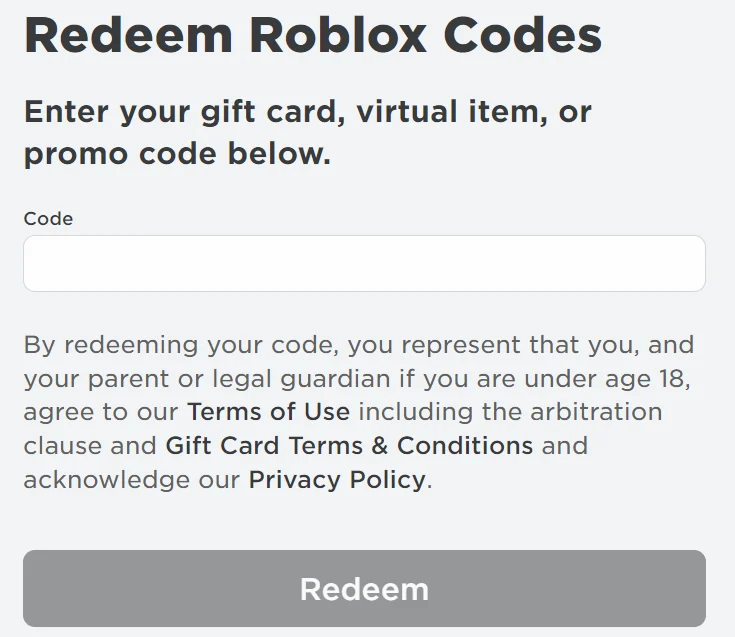
- Sign in to the account that should receive the gift, then open Roblox.com/redeem in a browser.[4]
- Enter the PIN or code and select Redeem. Use the confirmation to identify what was added.[4]
- If it adds credit, use that credit for the intended Robux or eligible Plus purchase.[3]
The standard mobile app and consoles do not offer code redemption; a web browser is the usual path. Samsung Galaxy users also have an in-app Redeem option. Roblox says codes can be redeemed worldwide, with value converted to the recipient account’s local currency.[4]
For a birthday or one-off present, a redeemable code lets you give a specific value while the recipient handles their own account. If that is the format you want, compare Roblox gift-card options and choose credit or a Robux-only code for the purchase they intend to make.
View Roblox gift-card options