
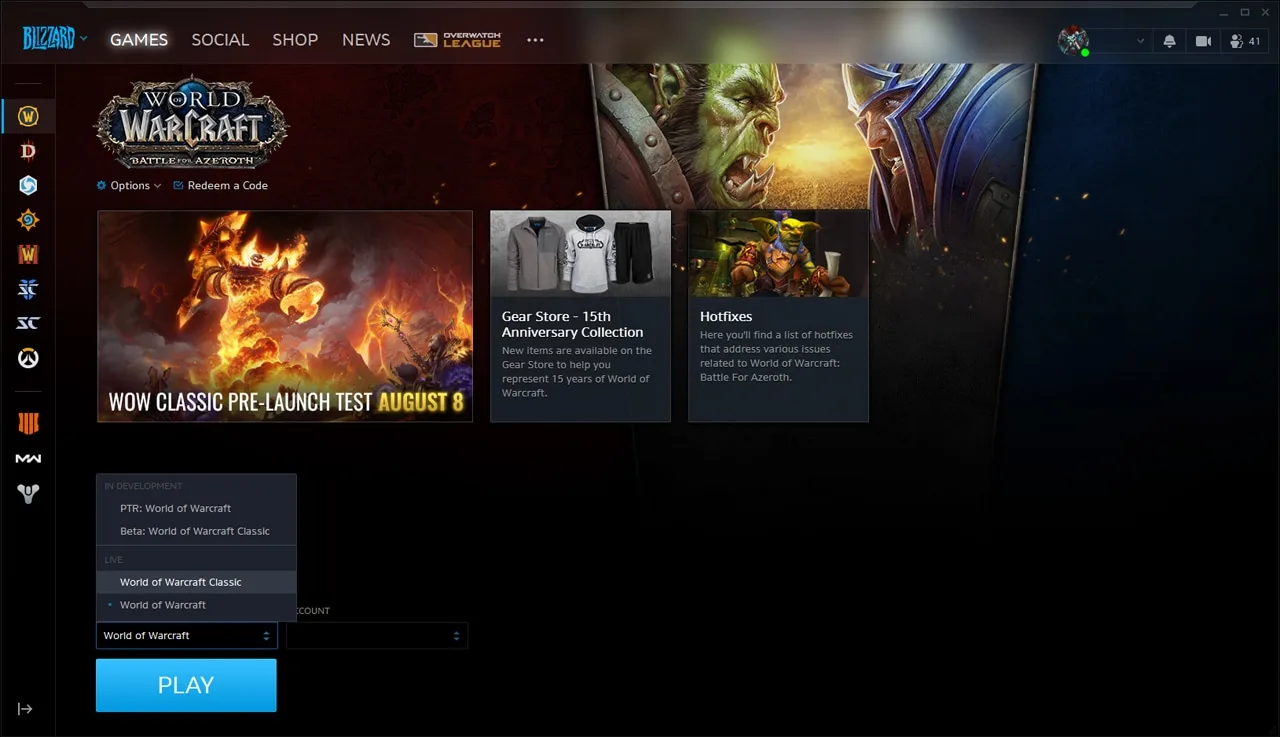
This is Blizzard’s 2019 launcher illustration. It shows the Version and Account controls above Play; use your current app to read the current labels and account region.[1]
Start in Battle.net, then open the realm list
- Select World of Warcraft and open the Game Version dropdown. Choose the Classic variant containing your character.
- Read the selected WoW game account and its region suffix. The app language and Battle.net login location are not substitutes for the game account region.
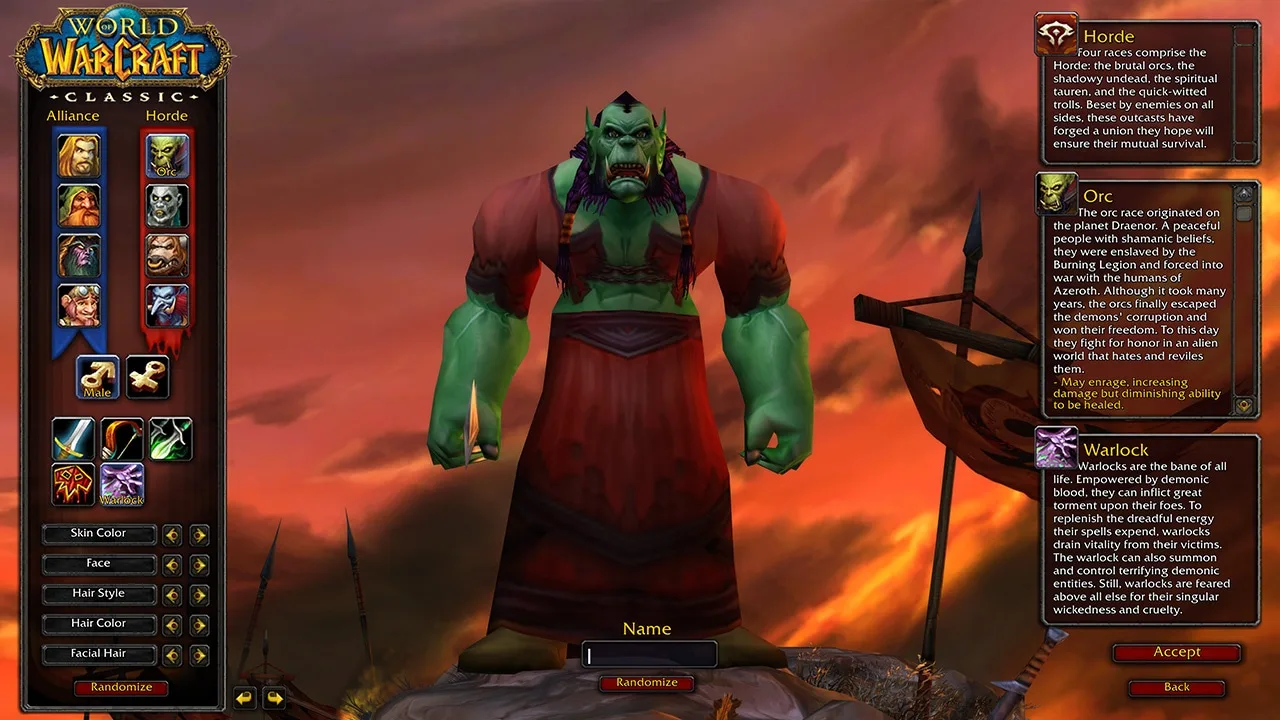
- Launch the game and open the realm list in character selection. Record the realm in its original spelling.
- Select the recipient character and record its exact name and Alliance or Horde faction.
Compare each order field with the character
| Field | Where to read it | Mismatch example |
|---|---|---|
| Version | Game Version and realm type | Era character, Anniversary order |
| Region | Selected WoW game account | US character, EU order |
| Realm | Character-select realm list | Same name in another region |
| Faction | Selected character | Horde character, Alliance order |
| Recipient | Character name | Wrong alt or misspelled name |
For example, “Classic Era / US / Whitemane / Horde / character name” is a complete destination. Add the amount and delivery method after those values. A shortened realm name by itself loses the version and region that distinguish otherwise similar options.
Buying gold from a third party for real money violates Blizzard’s rules and can lead to account penalties. Matching a valid delivery destination does not change that rule.[6]
View WoW Classic Gold optionsConnected Era realms are a real exception
Different realm labels can still be compatible inside a connected Classic Era cluster. Blizzard’s current list includes Whitemane and Thunderfury in the same US Era cluster; connected realms share the Auction House and allow trade and mail between their players. Same-faction recipients in that cluster need not have identical realm labels.[2] [7]
Check the US Classic Era or EU Classic Era section of the connected-realm list, rather than guessing from the realm name or time zone. Keep the recipient’s original realm in the order and identify the character on that realm. Cluster connectivity does not make opposite-faction mail or direct trade available, nor connect Era to Anniversary.[2] [3] [7]
Check the restriction that actually applies
Starter Edition is a Modern WoW free trial: it cannot access Classic or use trade, mail, or the Auction House. A newly paid Classic account is a different case. During the first paid month it cannot give gold or items, but the current support article allows receiving them freely and selling items on the Auction House. Hardcore Self-Found blocks trade, mail, and the Auction House until that restriction is removed through an Apprentice Watcher.[4] [5]
Use the recorded destination without shortening it
Finish with the exact version, account region, original realm, faction, and character name, followed by the amount and delivery method. If the delivery realm differs, establish that both realms belong to the same Era cluster; do not replace the recipient’s realm with the cluster’s popular nickname.
View WoW Classic Gold options