
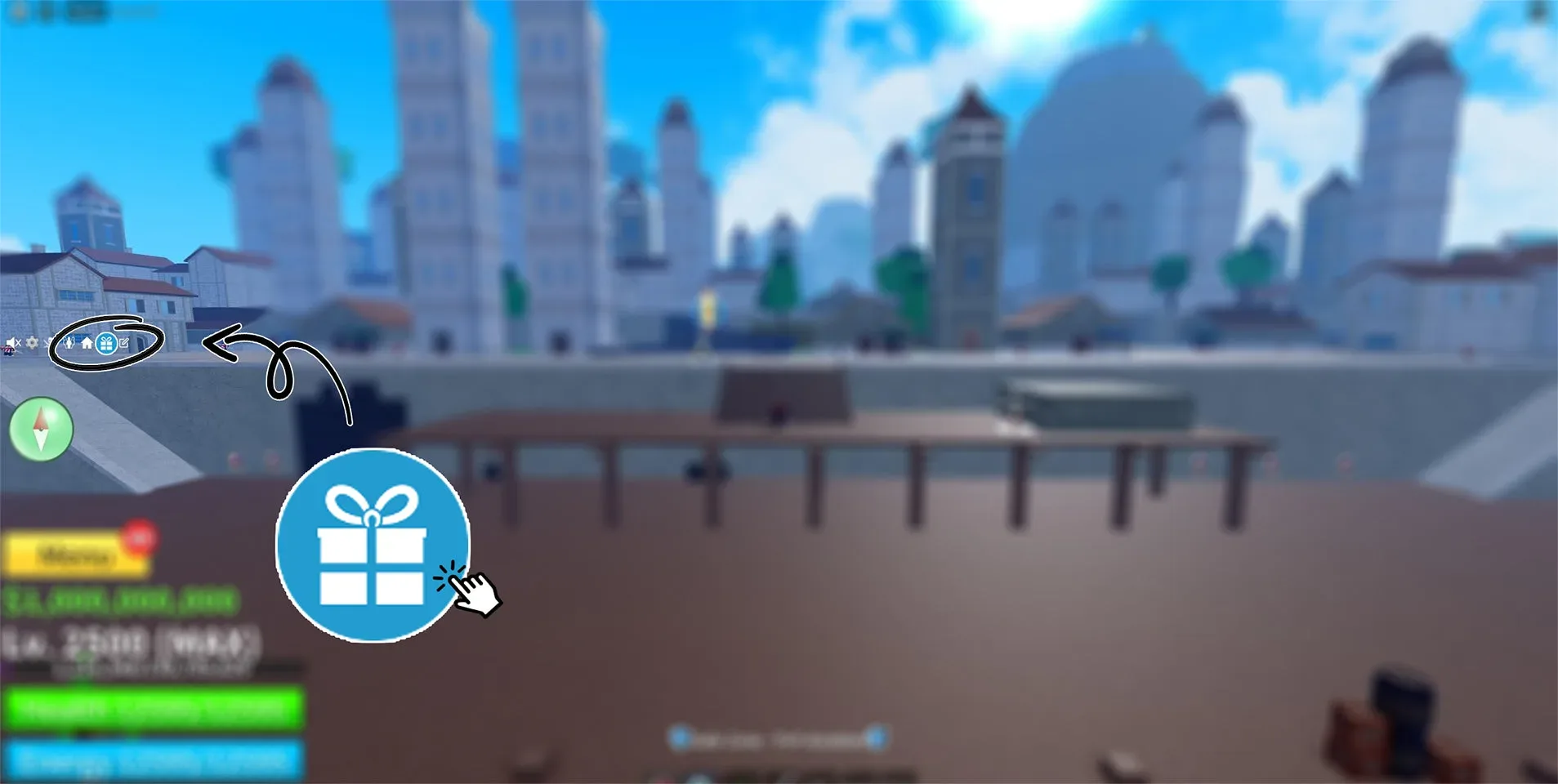
Blox Fruits creator guide showing the left-side gift icon — creator guide.[8]
Which account was supposed to receive the item?
On the Roblox website, sign in to the receiving username, open the Robux balance and My Transactions, then select Purchases. Compare the item or pass name, date and Robux charge with the affected order.[1] Next open the menu → Inventory, select the matching item category and open the item. Roblox shows “Item Owned” with a checkmark on an owned item page.[5] A marketplace order receipt and a Roblox Robux purchase record describe different payment routes; keep the evidence for the route you actually used.
Keep the original receipt or order page open while you compare the item name, variant, quantity or access type, recipient, experience name, and any delivery condition. A similar item name or a different Roblox experience is not a match.
Is this the right experience and delivery route?
Roblox treats experience passes differently from other in-experience virtual items. Passes are sold from an experience's Store page, while other virtual items are sold inside the experience.[2] Check the wording on the affected order to find the route that applies. Not every Roblox item appears in the same menu or inventory.
Use a route that matches the item. For example, an official Blox Fruits merchandise DLC token has a specific claim sequence: sign into the receiving Roblox account → launch Blox Fruits → choose the gift icon at the left of the screen → enter the token in Reward Codes → select Redeem!. The creator issues the reward to that account. Its DLC can award a Fruit Box or Super Fruit Box that you open in the game; the box type determines Physical or Permanent fruit rewards.[6] This sequence applies to the owned merchandise token, while a Robux pass or an order delivered by gifting follows its own route.
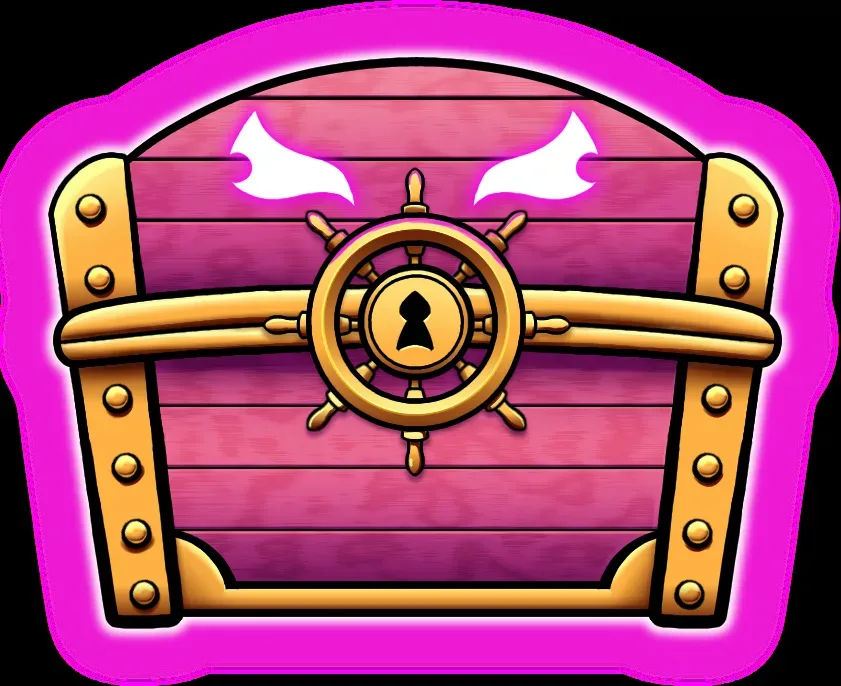
Blox Fruits merchandise DLC Permanent Super Fruit Box — creator guide.[10]
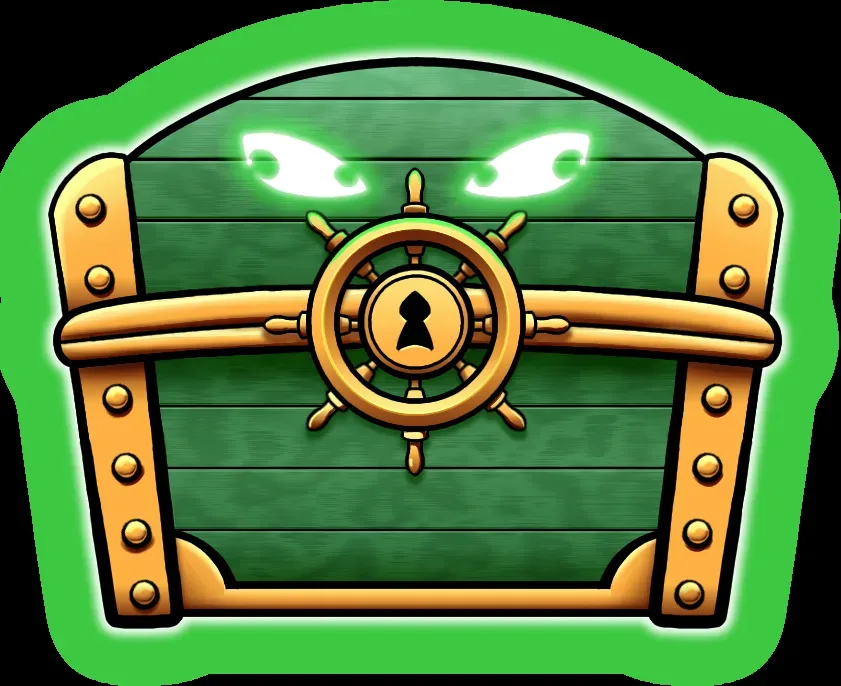
Blox Fruits merchandise DLC Physical Fruit Box — creator guide.[9]
- Robux purchase found and Item Owned shown: open the exact experience named on the pass, then use the benefit described on that pass page. A pass can unlock an ability rather than add a visible object to your backpack.[2]
- Owned Blox Fruits merchandise code: use the left-side gift icon and Reward Codes route above, then open the issued reward box. Record the receiving username and the exact error if redemption fails.[6]
- Blox Fruits Robux charge with no reward: its creator FAQ directs you to Roblox Support first. If that response does not resolve the issue, use the limited ticket support in the official Discord linked from that FAQ. The merchandise contact form is for merchandise orders.[7]
What does the purchase record tell you?
| What you find | What to do next |
|---|---|
| There is no purchase record for the intended account or recipient | Recheck the signed-in account, recipient spelling, payment record, and whether checkout completed. Do not repurchase until the transaction is clear. |
| The record names a different experience, item, variant, quantity, or access type | Save evidence of the mismatch and use the original order's correction or support route before considering another configuration. |
| The record matches, but a documented claim, activation, recipient, or in-experience step is incomplete | Complete that exact step once. Record the time and result, and save any confirmation screen. |
| Every documented step is complete, but the item or benefit is still missing | For an in-experience item or pass issue, Roblox directs players to the experience creator. Refund help for purchases through Roblox goes to Roblox Customer Support.[3] |
Give support enough information to act
Send one concise message that includes:
- Order identifier and payment location
- Roblox username and intended recipient username
- Exact experience name and link, if recorded in the order
- Item name, variant, quantity or access type, and expected result
- Purchase, delivery, and troubleshooting timestamps with the time zone
- Screenshots of the order evidence, documented completion, and missing result
- Device and platform used
- Actions already attempted and what happened after each one
Roblox's support page currently asks for the affected username, device, and help category. For a billing report, you may also need the payment type, date, amount, and any error message.[4] Submit receipts or billing details only through the appropriate official support form. Keep passwords, authentication codes, full payment credentials, and unnecessary personal information out of messages, screenshots, and public channels.
For an experience-item or pass issue, open the creator profile, group or experience page and use its provided Message, group wall or Social Links contact route.[3] In the message, identify the exact experience and pass or item, receiving username, charge or order date and the missing benefit. For Blox Fruits, use the creator’s specific Roblox Support → official Discord ticket sequence above.[7] If a marketplace fulfilled the order, also send that marketplace the corresponding order evidence.
When does another configuration make sense?
Consider a different option only after the order evidence or a support response establishes that the original experience, item, variant, quantity, recipient, or delivery route cannot produce the intended result. Deal with the original transaction's correction or remedy first.
Once the mismatch is confirmed and the original order has been addressed, you can compare Roblox experience-item options. Choose only after matching the exact experience, item or benefit, configuration, recipient, quantity, and documented delivery condition.
View Roblox Experience Items optionsSources
- Where are my Robux? – Roblox Support
- Where is the item I just bought with Robux? – Roblox Support
- Contacting an Experience’s Creators for Help – Roblox Support
- Contact Us – Roblox Support
- Roblox browser inventory categories and Item Owned
- Blox Fruits merchandise DLC redemption
- Blox Fruits missing Robux purchase support route
- Blox Fruits creator guide showing the left-side gift icon
- Blox Fruits merchandise DLC Physical Fruit Box
- Blox Fruits merchandise DLC Permanent Super Fruit Box