
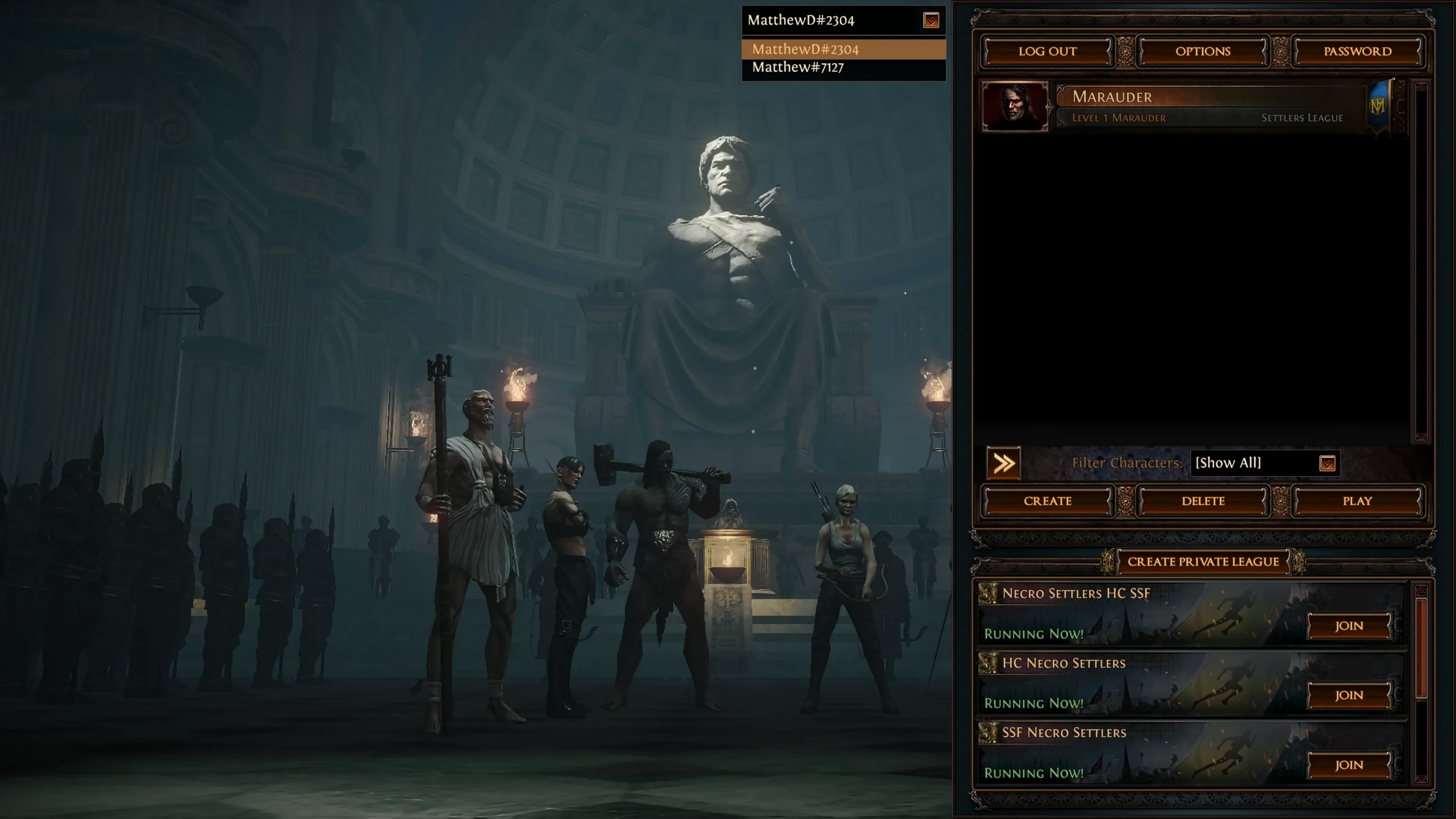
What can share a currency destination?
| Situation | Currency destination | Practical consequence |
|---|---|---|
| PoE1 on PC versus console | Characters are not shared across PC and consoles[1] | Use the recipient character’s actual PoE1 platform realm |
| PoE1 PlayStation versus Xbox | Official trading announcements identify separate console realms[7] | Select the actual PlayStation or Xbox environment, not a generic console option |
| PoE2 PC, PlayStation and Xbox | Cross-play and the same character across supported platforms[1] | A platform switch does not by itself create a separate currency balance |
| PoE1 versus PoE2 | Different game items in the currency stash tab[2] | Specify the full game name and exact orb |
| Active challenge league versus Standard | Separate fresh economy until end-of-league migration[3] [4] | Match the recipient’s exact league and mode now |
For example, 100 Exalted Orbs offered for a PoE1 PC character cannot simply be received on your PoE1 console character. In PoE2, a PC player and a console player can share the cross-play environment, provided the intended characters are in a compatible league. The “100” in this example is an amount to identify, not a price or current offer.[1]
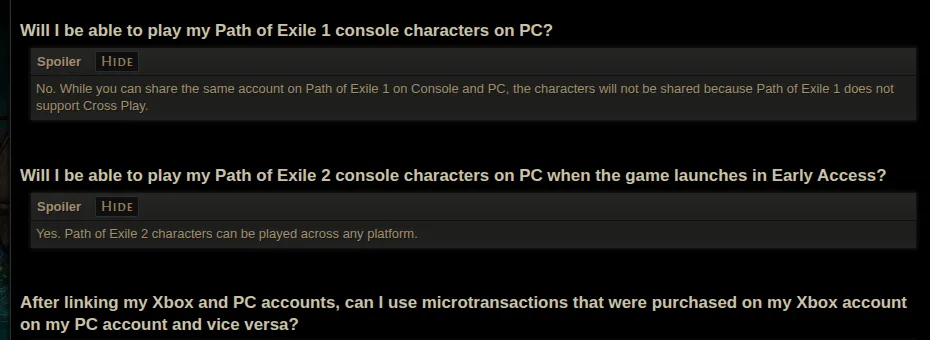
Shared account access does not combine characters or game items
The GGG example above shows an account selector near the top of character selection and a league name beside the character. The pictured Settlers-era league is an older interface example, not the name to enter for today’s order. Use the league shown on your own recipient character.[1]
When accounts are merged, both sub-accounts remain, with characters listed separately. Characters cannot be transferred from one sub-account to another.[1] If a character is missing, change the selected sub-account before copying the recipient details. Choosing the same login does not guarantee you have opened the same character inventory.
GGG’s terms restrict virtual-item trading to personal, non-commercial trades through its game mechanisms or official APIs, and permit account restrictions for breaches.[5] External real-money currency trades carry that account-policy consequence independently of compatibility.
If you compare external currency options for a particular upgrade, use the full game, exact league and orb name with the required quantity. Add the recipient platform realm for PoE1; for PoE2, use the actual cross-play character environment and any practical delivery instructions.
View Path of Exile currency optionsThe PoE2 FAQ explains that a purchased Currency Stash Tab holds different items in the two games.[2] That distinction concerns the game’s currency content: a shared tab entitlement or familiar orb icon does not move a PoE1 orb into PoE2.
What happens when a league ends?
GGG describes a PoE2 league as a fresh economy. After it finishes, characters and items move to the Standard leagues.[3] For PoE1, support explains that short-term challenge-league progression migrates to the permanent league after the league ends and full migration may take several days.[4]
This is a later migration to the corresponding permanent environment. It does not let you withdraw a Standard stash into a still-active challenge league. Copy the full league and mode label, including a Hardcore or self-found variant where applicable, rather than shortening everything to “Standard” or a league nickname.
One recipient example makes the difference clear
Suppose the character you actually play is in a PoE2 challenge league and you switch from PC to Xbox. The switch does not change that character into PoE1, move it to Standard, or transfer it to a different sub-account.[1] [3] A PoE2 Standard offer still has the wrong league; a PoE1 offer still has the wrong game. A PoE2 offer for that exact trade-compatible league is not incompatible merely because the other player uses PC.
For PoE1, keep the platform label explicit. “Path of Exile, PlayStation, [your displayed league], Exalted Orb ×100” describes a destination more precisely than “PoE exalts.” Confirm the character name and the in-game transfer method against that destination.
Use the current trade screen, not an old console guide
PoE1’s 3.27.0 update added the game-integrated Trade Market. Open it with the comma key on keyboard or through the controller pause menu.[6] The old Xbox and PlayStation Trade Market was retired; its remaining items were moved to remove-only stash tabs.[7] Similar-looking modern search interfaces do not merge PoE1 platform realms.
When comparing delivery, finish with four concrete entries: full game name, displayed league and mode, recipient character with the relevant PoE1 realm or PoE2 cross-play context, and the exact orb total. Those entries identify what reaches your character without imposing PoE1 platform separation on PoE2.
View Path of Exile currency options