
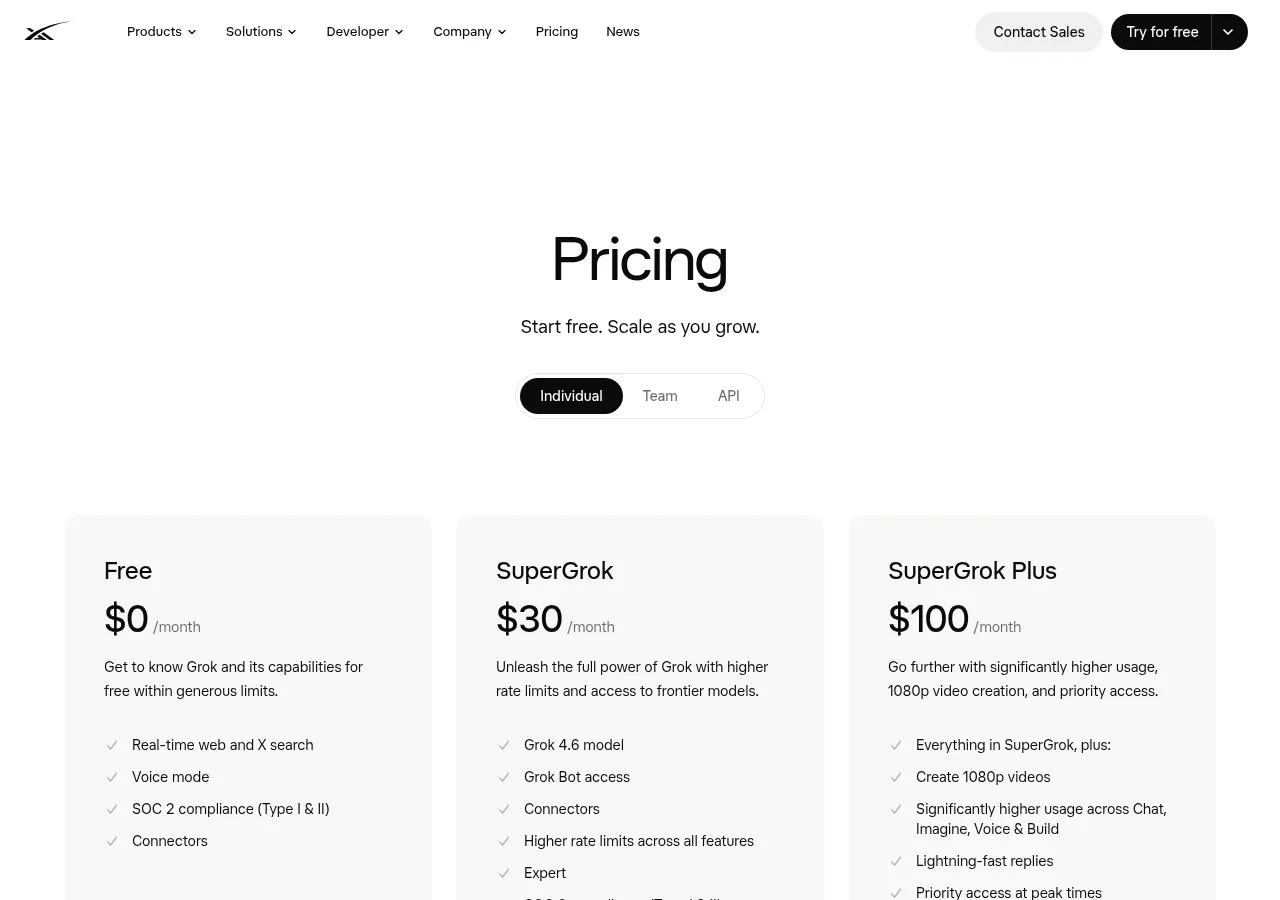
xAI Individual plan cards for Free, SuperGrok and SuperGrok Plus. Source: xAI.[5]
What each subscription actually adds
The xAI plan card lists frontier-model access, Expert, Grok Bot, connectors, image and video generation, and higher limits for SuperGrok.[1] X describes Premium Plus as a bundle that adds SuperGrok access, Grok Bot, Imagine and voice alongside X features.[3] That is meaningful overlap.
| Decision field | SuperGrok | X Premium Plus |
|---|---|---|
| Main purchase | Grok-focused subscription.[1] | X subscription that explicitly includes SuperGrok access.[3] |
| Grok benefits named on the plan page | Frontier-model access, Expert, Grok Bot, connectors, image/video generation and higher limits.[1] | SuperGrok access, Grok Bot, Imagine images/videos and voice; exact numeric allowance is not stated here.[3] |
| X publishing and feed tools | The standalone offer does not list an X Premium bundle.[1] | Lower-tier X features plus X Pro, Radar Search and largest reply prioritization; sponsored content may still appear.[3] |
| Account receiving access | The xAI account used for the purchase.[2] | The subscribed X profile; link it to the intended xAI account for relevant Grok benefits.[2] |
| Renewal control | Grok Billing for web purchases; Apple or Google Play for app purchases.[2] | The platform where you subscribed to X.[3] |
| Limits | Paid Grok plans share a weekly pool; inspect Settings > Usage.[2] | Included SuperGrok access is not a published promise that two subscriptions stack their allowances.[2] [3] |
| Best reason to choose | You need Grok and would leave the X bundle unused. | You will use both the included Grok access and specific X features. |
For a person researching, drafting or generating images in Grok, the question is whether the available Grok entitlement does the job. For someone publishing on X and monitoring several timelines, X Pro and Radar Search provide separate reasons to consider the X bundle.[3] Longer posts and editing are already lower-tier X features, while Articles is also listed for Premium; those needs alone do not establish a need for Premium Plus.[3]
If you still need a paid Grok route, G2G provides another place to compare Grok options. The important account difference is who controls the login and recovery: use your own account rather than a shared login or an account handed over by someone else. xAI prohibits sharing credentials or making an account available to another person.[4]
Compare Grok options for your accountAlready paying for X? Check the included access first
- Open Premium on the X profile named on your receipt. Record whether it is Basic, Premium or Premium Plus; the explicit SuperGrok bundle belongs to Premium Plus.[3]
- In the intended Grok account, open Settings > Account and use Connect your X Account for that subscribed profile. xAI says linking lets it retrieve your X subscription status and grant relevant benefits.[2]
- Return to Grok and inspect the displayed plan and the specific activity you need: chat, Imagine, voice or a tool. Use Settings > Usage to see the current percentage, product breakdown and weekly reset.[2]
- If a paid receipt still leads to an upgrade prompt, resolve the purchasing-login mismatch. An X-linked entitlement applies to the linked account; a different Apple, Google or email login may show different access.[2]
- Only consider another payment when you can name what the existing entitlement does not provide. Two receipts do not demonstrate two independent allowances.
Already paying for SuperGrok? Separate the X benefit from the AI benefit
Start with the Grok account that owns the subscription and its actual Usage screen.[2] Then write down one X task you cannot currently do: manage several timelines with X Pro, use Radar Search, or get Premium Plus reply prioritization.[3] If your task is simply a longer post, editing or publishing an Article, compare the relevant lower X tiers too.[3] A bundle that includes Grok again can be useful, but the second charge needs to be justified by work you will actually do.
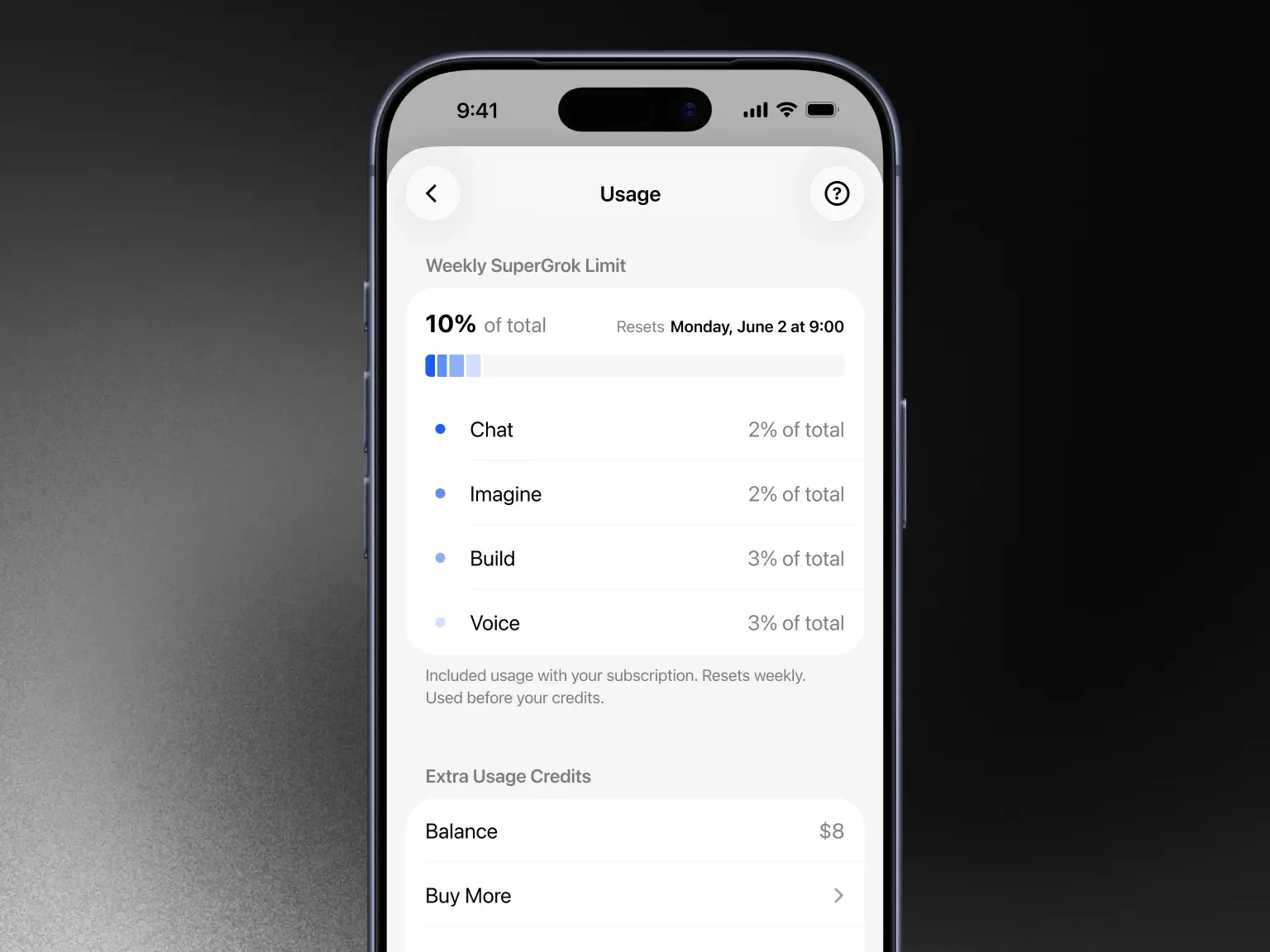
Grok FAQ example of the Usage screen, with the weekly limit and Extra Usage Credits in separate sections. Source: xAI.[6]
If the weekly pool is the problem, compare the larger Grok plan or Extra Usage Credits offered in your Usage screen. xAI describes those as ways to continue after the weekly allowance is exhausted; adding an X bill is not a documented way to stack a separate SuperGrok pool.[2]
Calculate the new spending, not just the advertised price
Use the same currency and period for both offers. Let S be the SuperGrok cost, X the X Premium Plus cost and B the cost of a lower X tier you would keep anyway. With no existing paid plan, compare S with X. If you need that lower X tier as well, compare S + B with X. The extra recurring cost of choosing Premium Plus instead of that lower tier is X − B.
Illustrative amounts only: if S = 30, X = 40 and B = 8 currency units per month, Grok alone costs 30, two separate subscriptions cost 38, and the bundle costs 40. The bundle adds 2 compared with keeping both separate plans, or 32 compared with keeping only B. For your own comparison, enter the checkout totals including tax and payment fees.
For an annual plan, divide the full annual price by 12 only to compare recurring value; the annual amount is still the cash payment. Already-paid time is a separate switching cost. Do not subtract it as a refund or credit unless your actual billing flow confirms one. X says cancellation does not refund amounts already paid, with legal exceptions; SuperGrok refund requests go through the purchase provider’s process.[2] [3]
Who manages the renewal when you change your mind?
Web SuperGrok purchases are managed in Grok Billing; Apple handles App Store subscriptions, and Google Play manages Android subscriptions. xAI handles refund requests for web and Google Play purchases, while Apple handles App Store refunds.[2] X renewals are managed on the platform where you subscribed.[3] Connecting an X profile grants relevant access; it does not move either receipt to the other billing provider.[2] [3]
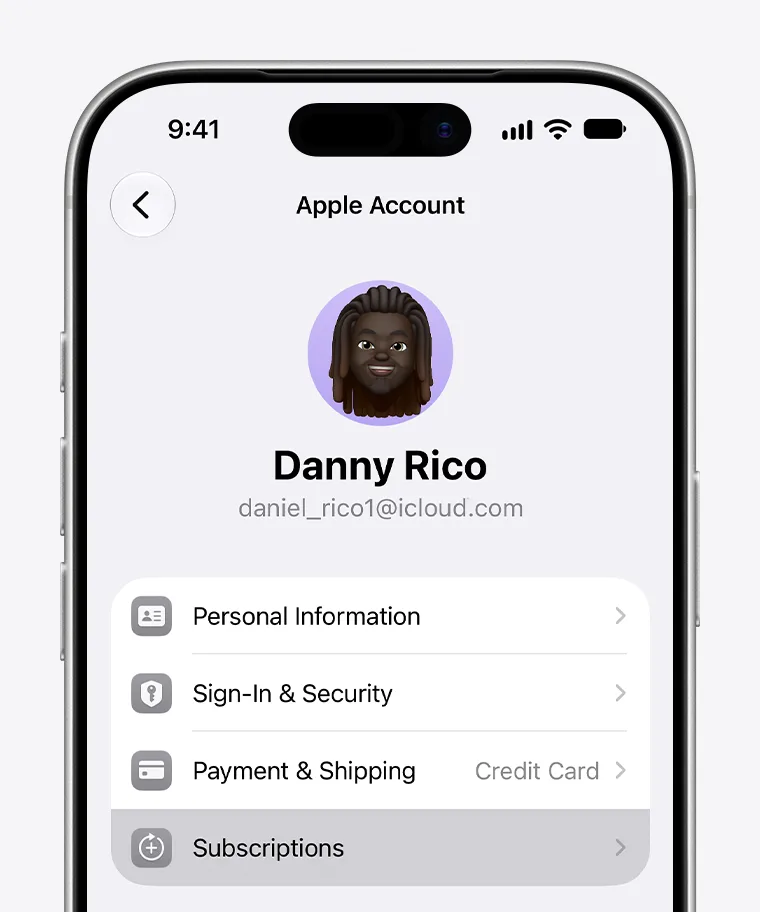
iPhone subscription management screen from Apple’s official guide. Source: Apple.[7]
If you are deciding whether paid Grok is worthwhile at all, settle that before adding X features to the comparison.
Choose the plan around your next real task
Choose standalone SuperGrok when Grok is the service you need and the X features add little. Choose Premium Plus when its included Grok access works for your task and its particular X tools also earn their place in your budget.[1] [3] For an existing subscriber, first compare the entitlement already on the correct account; then compare the extra recurring cost and any paid period that will overlap.
If a Grok option would fill a real remaining need, compare the plan name, duration and delivery to the account you control. A seller-provided login is a different account arrangement from a subscription applied to your existing login.
Review non-overlapping Grok options