Grok Free vs SuperGrok: What Does the Paid Plan Add?
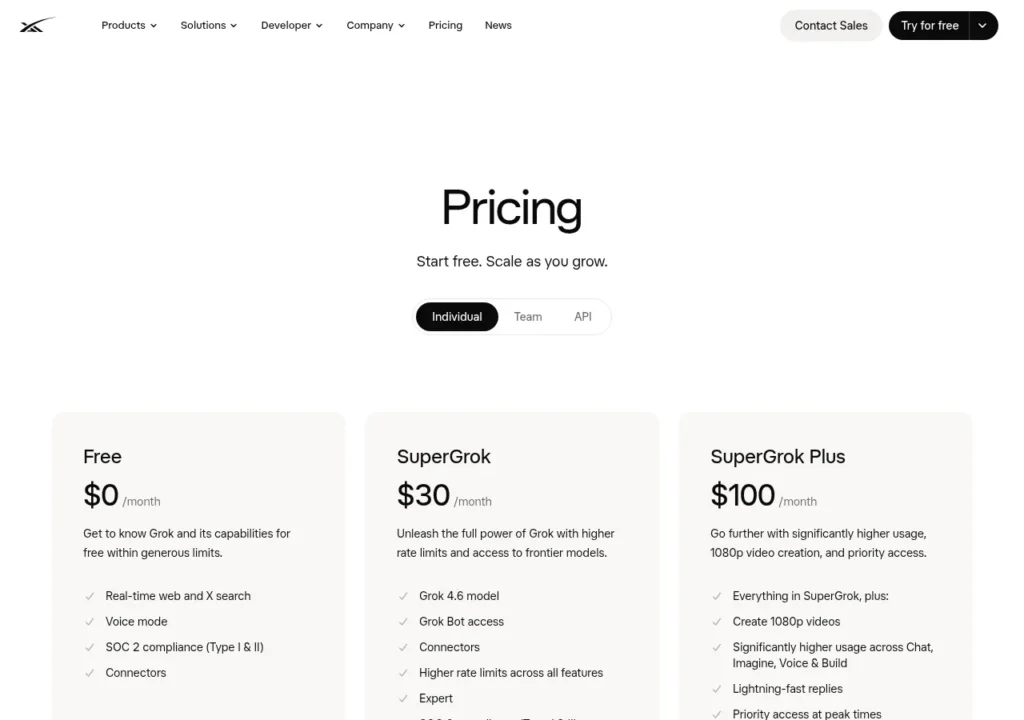
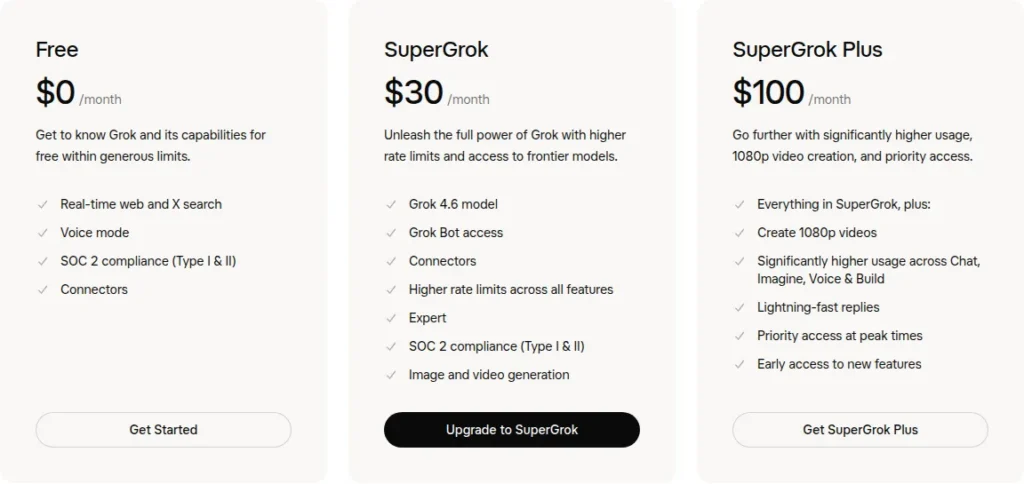
Grok Free suits occasional use. SuperGrok adds named models, creation tools, and higher limits, while SuperGrok Plus is mainly for more capacity and 1080p video.
Read the decision guideTopic
Grok Free suits occasional use. SuperGrok adds named models, creation tools, and higher limits, while SuperGrok Plus is mainly for more capacity and 1080p video.
Read the decision guideIf SuperGrok still shows Free after payment, save the receipt and match its billing account and sign-in method to the Grok account before paying again.
Read the decision guideSuperGrok is worth it when higher limits or paid chat, image, video and Build features remove a recurring obstacle. Compare that value with what Grok Free already covers.
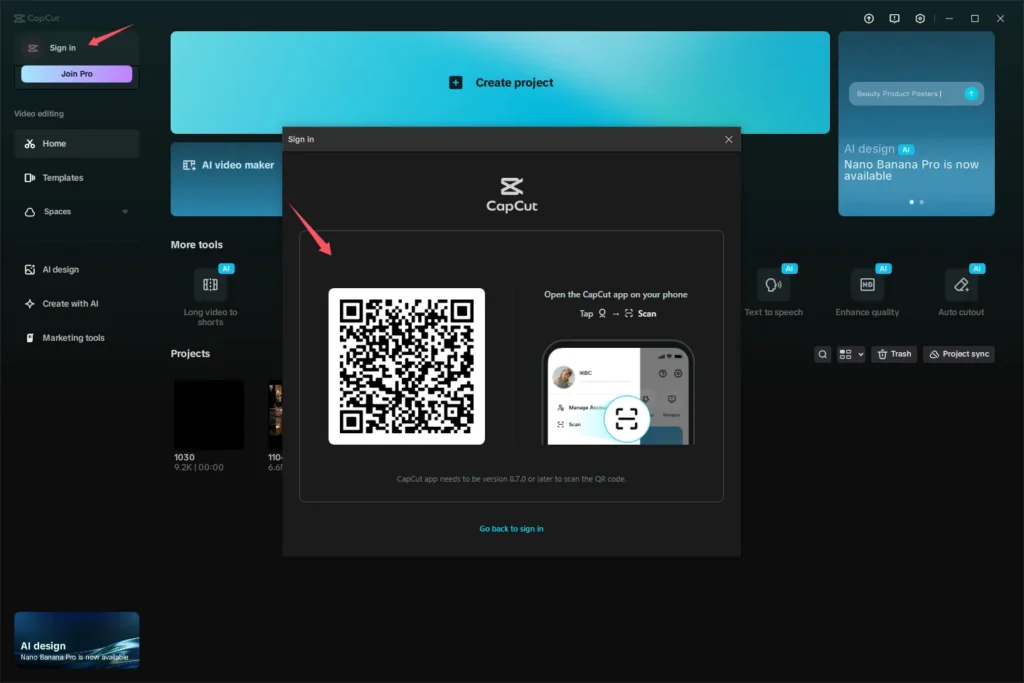
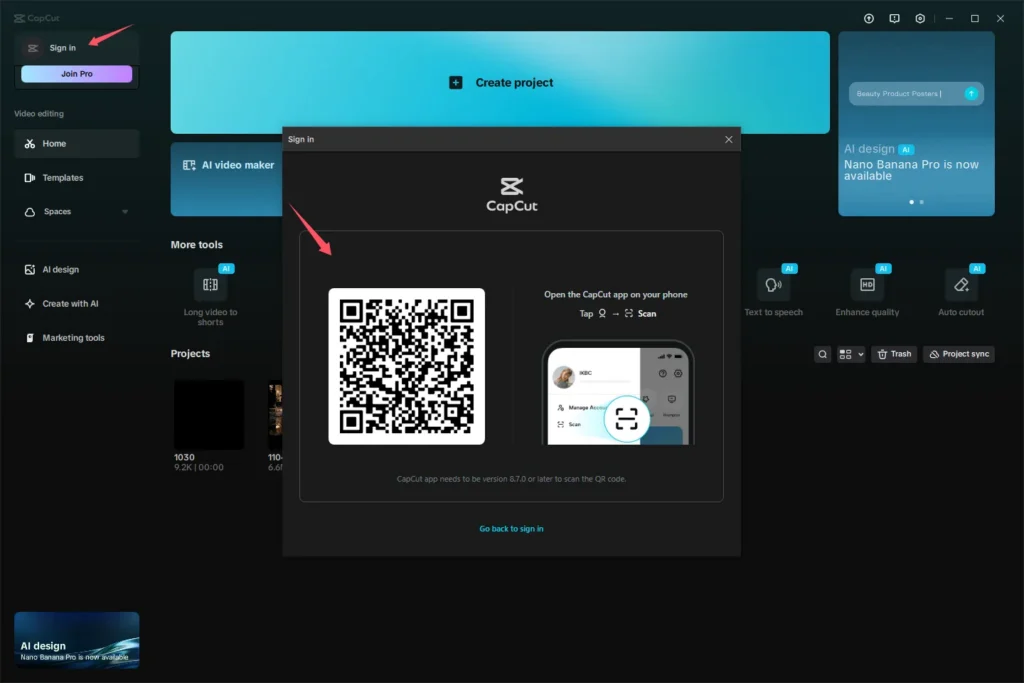
Read the decision guideOne CapCut Pro account can be active on up to five devices. Use the same login, then check how projects, local files, effects and cloud transfers behave on each platform.
Read the decision guideA working CapCut Pro login does not prove ownership. Before paying, check who controls recovery, billing, renewal, and access to your projects.
Read the decision guideAvoid shared and transferred SuperGrok logins. Consider a top-up only if it reaches your own recoverable account without exposing your credentials.
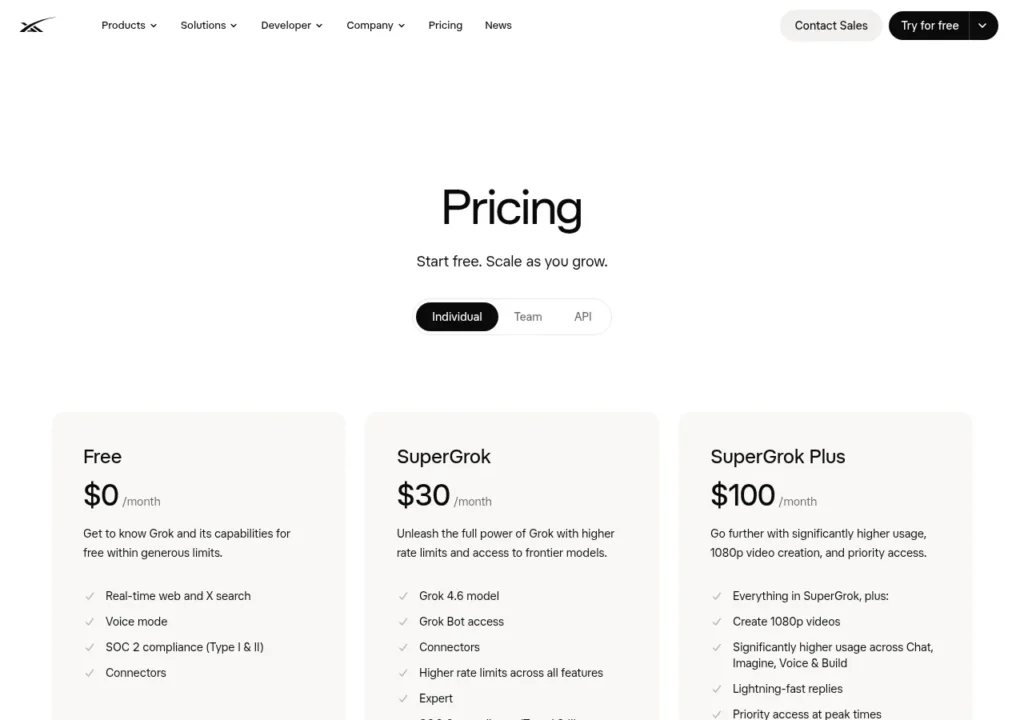
Read the decision guideSuperGrok is listed at $30 per month on the web, but the final total and the company managing your subscription depend on your market and purchase channel.
Read the decision guideChoose SuperGrok if Grok is your priority. Choose X Premium Plus when you will also use its bundled X features—and check your existing access before paying twice.
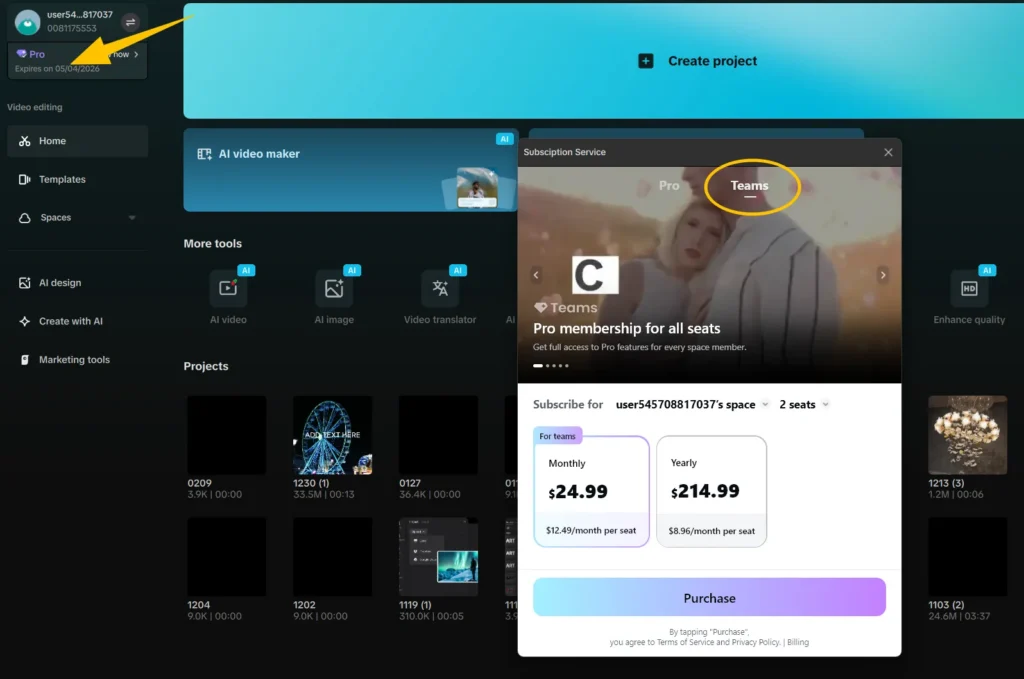
Read the decision guideCapCut does not document a consumer family-sharing plan for individual Pro subscriptions. Separate logins are documented through CapCut Teams, while independently owned Pro subscriptions provide the clearest fallback when Teams is unavailable or unsuitable.
Read the decision guideDo not pay again yet. Check the transaction status, the account used to pay, and the CapCut identity currently showing Free before trying to restore access.
Read the decision guide