
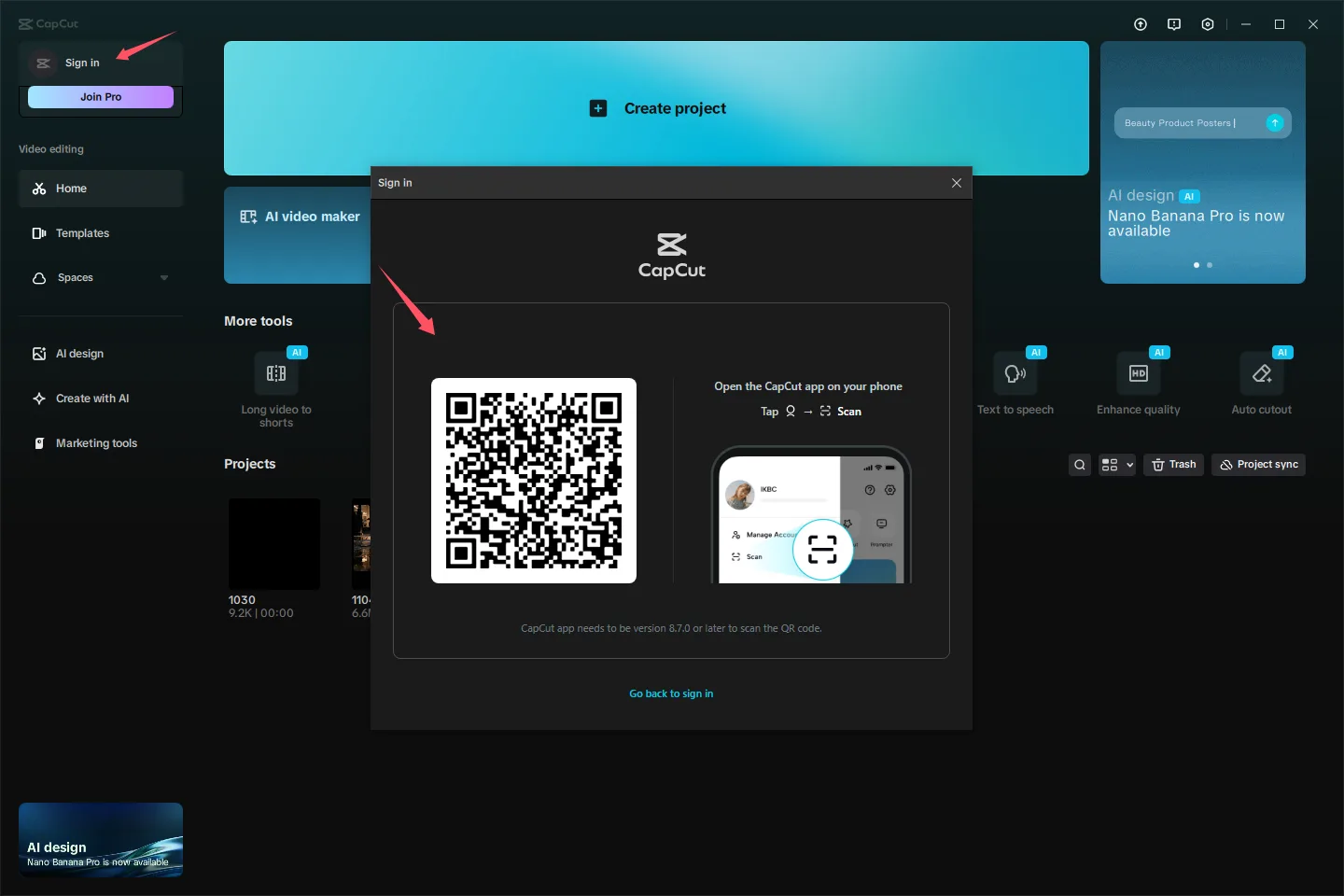
The safer option is a subscription attached to a CapCut account you created. You should control its recovery details, receipts, renewal settings, and payment account. CapCut connects subscription management to the applicable CapCut, Apple, or Google account used for the purchase.[1]
What are you actually being offered?
“Buy CapCut Pro” can mean several different things: purchasing Pro on your own account, receiving employer-managed access, taking over credentials created by someone else, or sharing one password with other buyers. Only the first two can provide a clear owner and recovery route—and employer access still depends on the organization’s rules.
| Offer | Account creator | Recovery control | Billing | Project access | Main drawback |
|---|---|---|---|---|---|
| Pro purchased on your account | You | You control the email, phone, and linked sign-ins | Your applicable CapCut, Apple, or Google account.[1] [2] | People you authorize | You must accept the plan and renewal terms displayed for your market |
| Employer-managed access | The organization or its administrator | An authorized administrator | The organization | Permitted users and administrators | Your access and stored work may be affected when your role ends |
| Transferred credentials | Usually another person | The creator or seller may retain recovery information | The receipt and renewal may remain with another payer | Anyone with retained access | Changing the password may not remove the original owner |
| Shared seller login | The seller or another customer | The seller or another credential holder | Usually an account the buyer cannot manage | Other buyers may use the same account | Access, privacy, and renewal depend on people you do not control |
A subscription on your own account gives you the strongest recovery and billing trail. Prices, available offers, and purchase routes can vary by region, device, platform, and promotion, so base your decision on the checkout shown for your account.[1] [2] [4]
Could the seller take the account back?
Changing the password is not enough if the seller still controls the original email, a linked phone number, an identity-provider login, or a recognized device. If someone else holds the receipt, you may also be unable to prove how the subscription was purchased or manage it through the correct billing account.
Before paying, make sure you can change the password and every recovery detail without assistance. Then confirm that the subscription record, receipt, renewal date, and cancellation controls appear in an account you own. CapCut places recurring subscription management with the applicable Apple, Google, or CapCut account.[1]
What could happen to your drafts and uploads?
A shared account can expose much more than Pro features. CapCut’s privacy policy covers login credentials, phone numbers, and User Content—including uploaded, imported, created, or generated images, audio, videos, files, prompts, and related metadata.[3] Anyone who retains valid account access may therefore be able to reach account-connected information or work.
CapCut also says suspension or termination may affect information or content associated with an account and advises users to keep copies of content they value.[1] Do not upload client files, personal media, confidential material, or irreplaceable projects to an account someone else can recover.
Using your account on supported devices is different from sharing a password with strangers. If you want to edit on both a phone and a computer, check the documented device setup instead of using a shared login as a shortcut.
Check the account and checkout yourself
CapCut provides separate purchase controls for mobile, desktop and web, and connects recurring management to the account used by the relevant payment provider.[1] [2] The desktop Pro selector below shows plan controls; check the amount and renewal terms in your own account’s checkout.
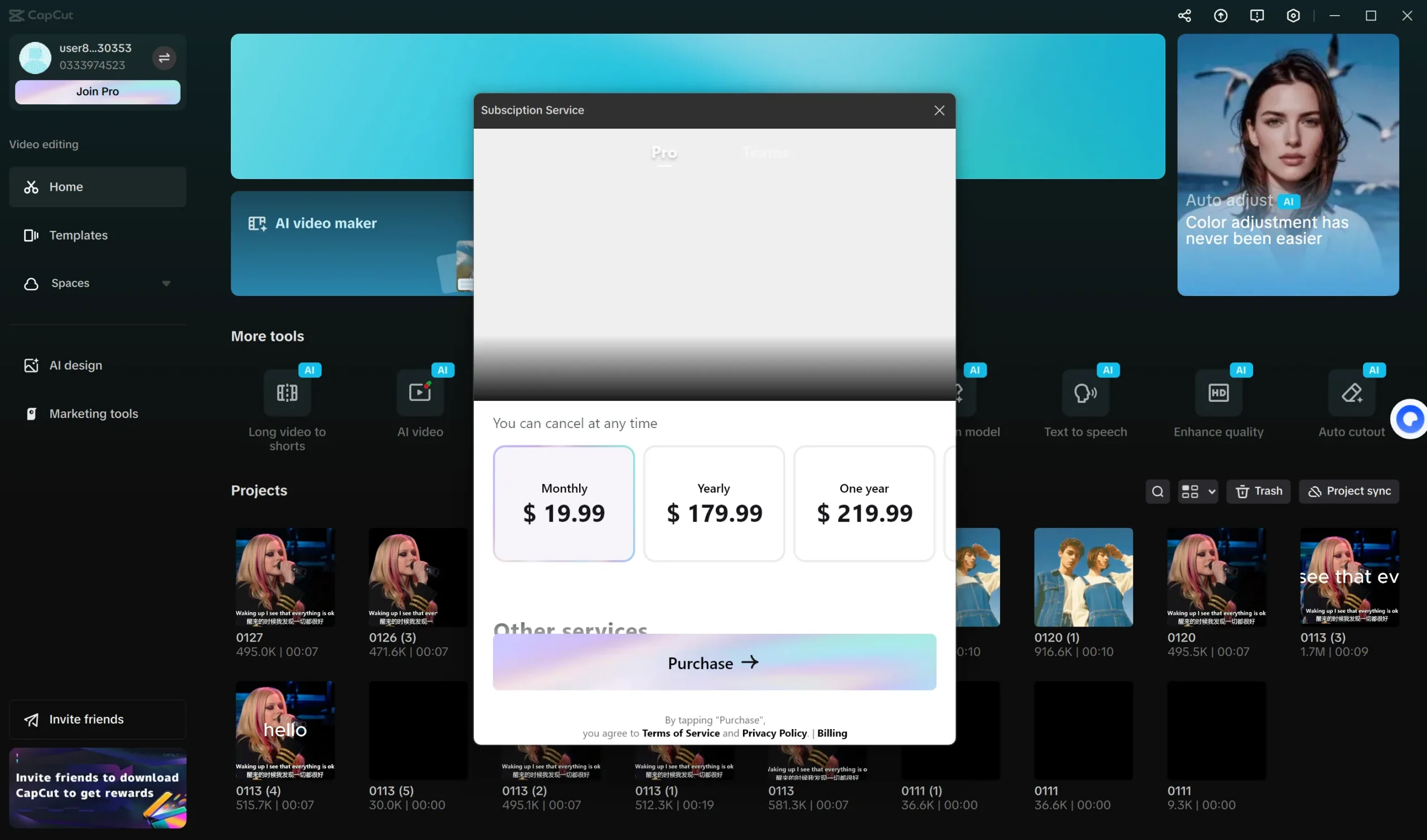
- Sign in to the CapCut account you intend to keep. Confirm that its email, phone number, linked sign-ins, and recovery methods belong to you.
- Open the Pro purchase screen on the device and in the market where you will use it. Rely on the plan and eligibility shown there, not a screenshot supplied by a seller.[1] [4]
- Read the amount due, billing interval, renewal terms, and cancellation route before authorizing payment.
- Confirm whether CapCut, Apple, or Google will hold the subscription record. Documented purchase routes include web, mobile, and desktop, but the route available to you can depend on platform and market.[1] [2]
- Make sure the receipt will be issued to an account controlled by you or an authorized organization.
- Review signed-in devices and linked accounts before uploading private work.
- For workplace access, get written rules covering permitted users, administrator access, billing responsibility, project ownership, and what happens when you leave.
Conditions to avoid
- Do not leave the seller’s email, phone number, or linked sign-in attached.
- Do not accept a rule that prevents you from changing the password or recovery settings.
- Do not share one password with unidentified users.
- Do not add your payment method to an account someone else can recover.
- Back up your authorized projects before replacing uncertain access.
Which CapCut option should you choose?
If you are subscribing for yourself, use an account you created and can recover. That gives you direct control of billing and stored work, although you still need to accept the recurring terms shown at checkout. If those terms do not suit you, stay on CapCut Free instead of giving up ownership for a cheaper shared login.
If an employer provides access, use it only when the administrator is authorized and the rules for users, projects, privacy, and offboarding are clear. Centralized management can be useful, but the organization may end your access when your role changes.
If cost is your deciding factor, compare only arrangements that leave the CapCut identity, recovery channels, billing record, and cancellation controls with you. G2G is one place to compare digital-product listings after you have established those requirements. Reject any listing that supplies shared credentials or leaves recovery under the seller’s control.
What if you already bought an uncertain login?
- Stop adding personal, client, confidential, or irreplaceable material.
- Save the listing, seller messages, receipt, transaction identifier, and promised conditions.
- Inspect the email, linked sign-ins, recovery methods, signed-in devices, subscription record, renewal settings, and billing route. Do not bypass another person’s security controls.
- Back up projects and exports you are authorized to access. CapCut advises users to retain copies of content they value.[1]
- Remove any payment details you are authorized to remove and monitor the related payment account.
- Contact the support channel for the billing route and the relevant marketplace or payment provider. Explain accurately how you obtained access and ask which ownership, cancellation, or remedy options apply.
- Do not impersonate the original creator or try to defeat account-security controls.
If you paid through your own account but CapCut still shows Free, keep the receipt and resolve the account or billing mismatch before paying again.
For your next CapCut subscription, keep the identity, recovery methods and payment record under your control. When comparing a marketplace option, read the delivery description: a subscription for your existing account and a supplied shared login are different products.