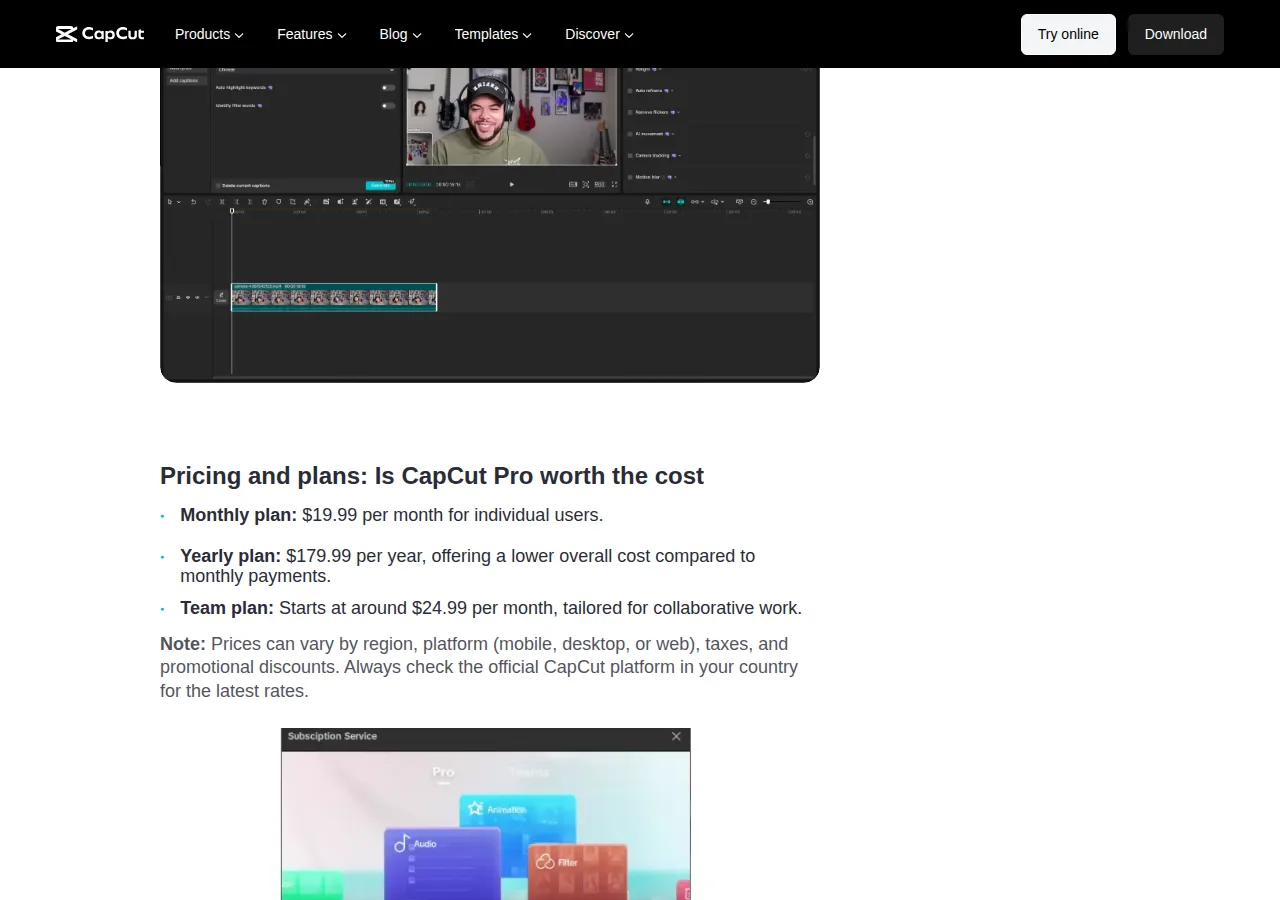
CapCut Pro does not have one reliable worldwide price. On 29 August 2026, CapCut’s official help pages said the amount and available offers can vary by region, device, platform, taxes, and promotions.12 Use the final price shown while signed in to your own account, then check what is due now, what will renew, and who will manage the payment.
Which price should you use?
Open the Pro purchase screen on the channel where you intend to subscribe. CapCut currently directs web users to Upgrade, desktop users to the subscription control under their user ID, and mobile users to Me > Join CapCut Pro.1 Its payment page is the relevant place to confirm the price for your region and platform.2
- Country or app-store region and payment currency
- Exact plan name and billing interval
- Amount due today and the period it covers
- Trial or introductory charge, if displayed
- Regular renewal amount and next charge date
- Whether tax is included, added, or still estimated
- The CapCut, Apple, or Google account that will own the payment
Put monthly and yearly offers on equal terms
CapCut currently describes monthly and yearly Pro subscriptions and says it does not offer a lifetime purchase.13 Only compare plans displayed for the same account, market, currency, platform, and included service.
| Field | Monthly offer | Yearly offer | Introductory offer, if shown |
|---|---|---|---|
| Due now | Copy the displayed monthly total | Copy the full annual total | Copy the initial charge and covered period |
| Billing commitment | One month at a time | One year paid upfront | Introductory period followed by the displayed regular interval |
| Comparable monthly cost | Displayed monthly charge | Annual charge ÷ 12 | Do not use the introductory charge alone; include scheduled regular payments |
| First 12 months | Add all monthly payments scheduled during 12 months | Use the annual payment plus any other charge scheduled during 12 months | Add the introductory payment and every regular payment scheduled during 12 months |
| Renewal exposure | Check the next monthly amount and date | Check the next annual amount and date | Check when the introductory period ends and the regular charge begins |
| Main drawback | Frequent renewals can make the next charge easier to overlook | More cash is committed upfront and unused prepaid time reduces flexibility | The opening price can obscure a much higher recurring expense |
| Choose instead when | Choose yearly only if its verified saving justifies the upfront commitment | Choose monthly when future use is uncertain | Choose a standard offer or wait when the transition date or recurring price is absent |
A yearly plan may have a lower calculated monthly equivalent, but dividing its total by 12 does not turn it into monthly billing. The full displayed annual amount is still the relevant upfront commitment.
Compare current CapCut Pro option termsCalculate what the first year will cost
- Monthly equivalent = total charge ÷ number of covered months.
- First-12-month cost = every payment scheduled from purchase through the end of month 12.
- Annual difference = first-12-month cost of the monthly offer − annual offer total.
- Introductory-plan cost = introductory payment + all regular payments scheduled within the first 12 months.
- Keep the amount due now beside every calculated average so the upfront commitment remains visible.
For example, if checkout shows a reader-supplied monthly figure M and annual figure A, compare 12 × M with A. If an introductory charge I covers N months before regular monthly billing R begins, add I to each R payment scheduled before month 12 ends. Use the actual dates shown rather than assuming the introductory period occupies whole calendar months.
Cost alone does not decide whether Pro is useful. If the free plan already completes your usual edits, first consider whether a paid feature removes a recurring obstacle.
compare CapCut Free and Pro for your editing workflowCheck the final payment screen for tax and currency
The price first displayed in the app can differ from the payment total because of app-store region settings, currency conversion, local rules, taxes, or additional fees.25 Record the final checkout currency and total before confirming. If your bank will convert the charge, keep any exchange-rate difference or card fee separate from CapCut’s displayed total.
Do not compare offers from different currencies by copying an old exchange rate. Convert both on the day you are deciding, note the rate used, and leave room for any fee imposed by the payment provider.
Who will own the subscription and renewal?
CapCut’s current terms say app subscriptions are paid through the applicable Apple ID or Google account, while web subscriptions are paid through the CapCut account and its payment arrangement.6 The paying account is therefore the one you will need for receipts, subscription controls, cancellation, and possible refund handling.6
Use an account and recovery method you control. Before considering a listing involving an account or activation service, check whether you keep control of the login, recovery email, store account, and billing relationship.
check who controls a CapCut Pro account before payingRead the next charge before subscribing
CapCut’s terms describe both fixed-period purchases, which end when the term expires, and automatically renewing subscriptions, which renew for another period unless the purchase screen says otherwise or the subscription is cancelled in time.6 CapCut’s help page currently advises cancelling an auto-renewing subscription at least 24 hours before its renewal date.4 Follow the date and instructions attached to your particular purchase.
Refund conditions vary with the applicable terms, jurisdiction, usage, and payment channel; purchases handled through Apple or Google are also subject to the relevant store terms.6 A plan is a poor fit if you would need a refund to make the commitment acceptable.
If you want to know where the renewal must be stopped, follow the company and account shown on the receipt.
find the correct place to cancel CapCut ProWhen should you choose monthly, yearly, or wait?
| Situation | Better choice | Reason | Choose instead when |
|---|---|---|---|
| You need Pro for a short or uncertain period | Monthly offer | Less money is committed upfront | Choose yearly only when its verified saving outweighs the longer commitment |
| You expect to use Pro throughout the year | Yearly offer | It can cost less over 12 months when your checkout figures prove the difference | Choose monthly when the upfront payment or unused time would be a concern |
| A trial or introductory price is displayed | Introductory offer only after checking the regular charge | It may lower the initial outlay | Choose a standard offer or wait if the recurring amount or transition date is unclear |
| Different platforms show different totals | Compare final checkout screens before paying | Region, platform, tax, and currency can affect the total.25 | Use the channel whose billing owner, total, and renewal terms you can clearly manage |
| Someone else controls the account or payment | Wait | You may be unable to recover the login, retrieve receipts, or manage renewal | Use an account and payment relationship you control |
Proceed only when you can identify the account receiving Pro, total due now, regular recurring amount, billing interval, next charge date, tax treatment, and billing owner. Longer billing can reduce the effective monthly cost, but it also reduces flexibility; an introductory offer is useful only when its later charge is clear.
Review purchase and account-control optionsIf any required term is missing, return to the signed-in CapCut or app-store purchase screen before paying. Choose the offer whose complete cost and renewal you can explain from the screen in front of you.