
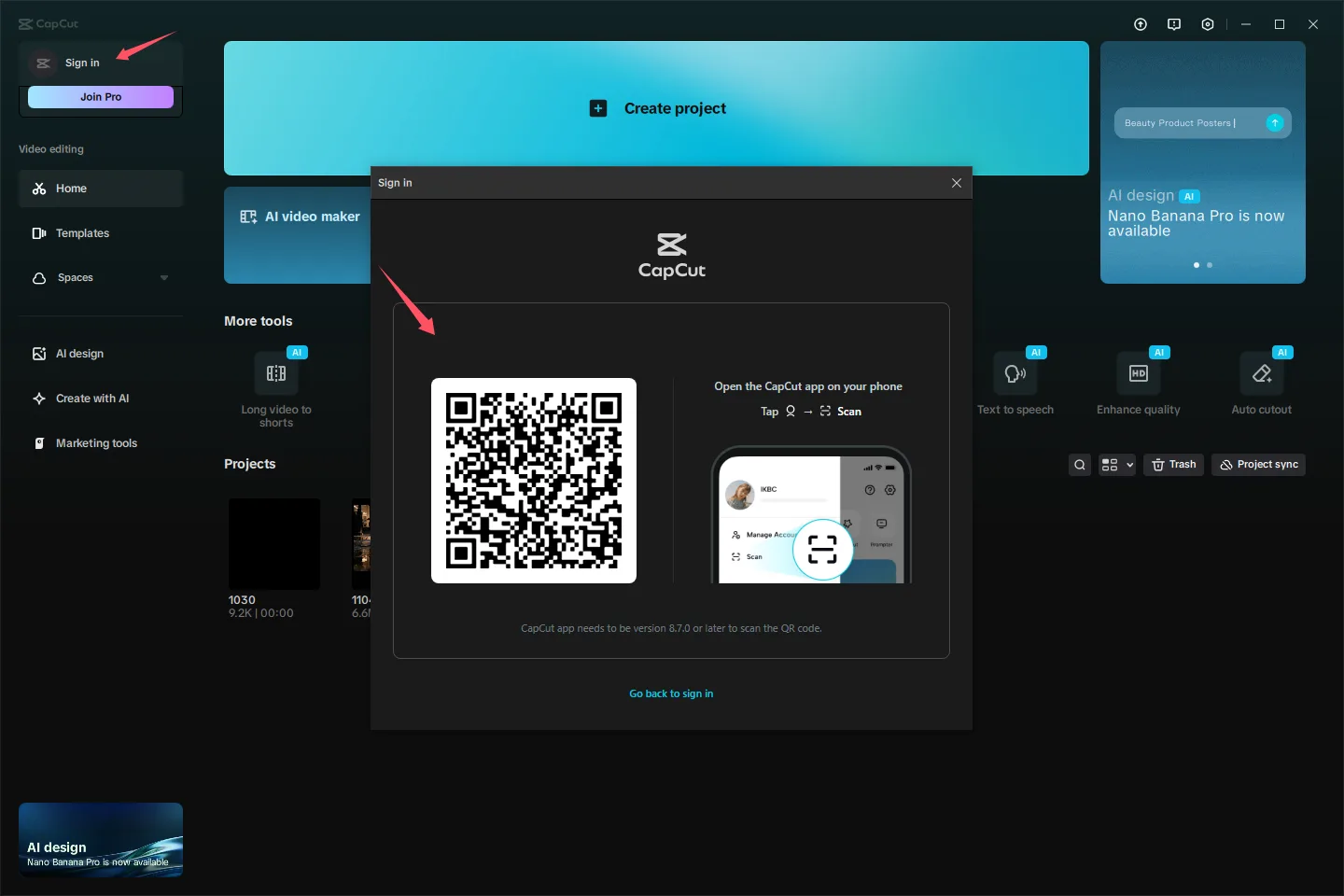
Does the receipt say pending or completed?
Open the receipt, subscription page, or transaction screen from the company that processed the payment. A bank notification alone does not identify the purchasing account or confirm that Pro reached CapCut. Save the exact status, date, local time, product description, billing channel, and a redacted screenshot.
| What you found | What it confirms | What remains unknown | What to do |
|---|---|---|---|
| Pending or processing entry | The payment is not final | Whether a completed subscription belongs to the open CapCut account | Keep the status and do not pay again |
| Completed Apple receipt or active Apple subscription | Apple manages the subscription through the Apple Account shown in its records.[5] | Whether the current CapCut identity received Pro | Check that Apple Account, then compare the CapCut profile |
| Completed Google Play receipt or active subscription | The purchase belongs to the Google Account holding the record.[7] | Whether the current CapCut identity received Pro | Open the purchasing Google Account, then compare the CapCut profile |
| Direct CapCut receipt | The purchase used CapCut’s web or PC payment route.[2] | Whether the open CapCut identity is the one used at checkout | Sign in to the CapCut account used at checkout |
| More than one completed or active record | Multiple billing records exist | Which record is refundable or which entitlement should remain | Stop purchasing and ask each billing provider about its own record |
Google Play shows CapCut under another Google Account
Check the Google Accounts you control in Google Play. Google says a missing subscription may have been purchased through another Google Account.[7] Finding it identifies the billing owner. You still need to match that purchase with the CapCut profile used at checkout.
- Save a redacted screenshot of the Google Play subscription or receipt.
- In CapCut, note the current sign-in method, masked email or username, and UID if one appears.
- Compare that identity with the account used during checkout.
- If you recognize and control the original CapCut identity, use its original sign-in method and check the membership screen.
- If you cannot access that identity, stop switching accounts and contact CapCut with the saved evidence.
Apple billed you, but CapCut still shows Free
On an iPhone or iPad, open Settings > your name > Subscriptions.[5] Use the Apple Account connected to the purchase record, then check which identity is open in CapCut.
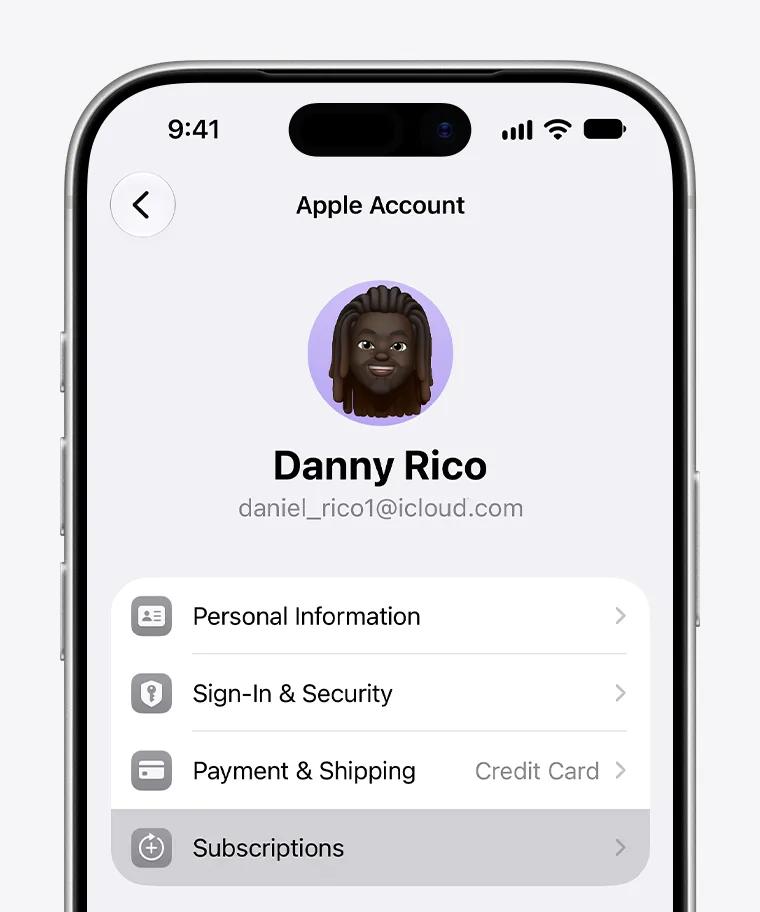
If CapCut displays Restore Purchases, use it inside the app while signed in to the Apple Account that made the purchase. Apple says eligible subscriptions may be restored this way and advises contacting the developer if a charged purchase still cannot be restored.[4] This does not transfer Pro between CapCut accounts. CapCut says subscription benefits remain linked to the original account.[3]
The receipt and CapCut account match, but Pro is missing
Preserve the current screen before refreshing anything. A clear before-and-after record is more useful than a long series of repeated sign-outs or reinstalls.
- Capture the CapCut profile, membership status, locked tool or upgrade prompt, device details, app version, and local time.
- Back up drafts and source media stored only on the device before clearing data or reinstalling.
- Check for a CapCut update, then close and reopen the app once. CapCut identifies outdated software and synchronization or cache problems as possible causes.[1]
- On Apple devices, use Restore Purchases only when CapCut displays that option.[4]
- Record the result. If the matched account still shows Free, contact CapCut instead of repeating the same actions. Apple and Google direct unresolved access to purchased app content to the app developer.[4] [7]
You see a second charge or active subscription
Stop before trying another checkout. CapCut says its “currently subscribed” message means the account or platform already has an active subscription and is intended to prevent another purchase.[6] A second purchase can create separate billing records without fixing the identity mismatch.
- Do not cycle through login methods without recording which CapCut identity each one opens.
- Do not uninstall before protecting drafts and local media.
- Do not treat cancellation as proof of a refund; check the final transaction status with the billing provider.
- Do not publish full order numbers, card details, recovery codes, or unmasked account addresses in screenshots or support posts.
To stop renewal while the access problem is investigated, follow the billing company shown on the receipt.
Send CapCut the details that connect the payment to your login
Ask the billing provider whether its transaction is pending, completed, renewed, reversed, or refunded. Ask CapCut which identity received the entitlement and what supported recovery action applies. These are separate questions, and keeping them separate makes the missing link easier to identify.
Checked date: 2026-10-03 Country or market: [country] Device, operating system, and CapCut version: [details] Billing channel: [Apple / Google Play / CapCut web or PC] Purchasing account: [masked address] Transaction status: [exact wording] Transaction date and local time: [timestamp] Receipt reference: [redacted] CapCut sign-in method, masked identity, and UID: [details] Visible problem: [Free label / locked tool / upgrade prompt] Actions tried, with times and results: [details] Request: Please confirm which CapCut identity received this subscription and the supported recovery action.
What should you do next?
| Current situation | Billing owner known? | CapCut identity known? | Next action | Why not pay again? |
|---|---|---|---|---|
| Payment pending or unresolved | Yes | Not needed yet | Follow the billing provider’s status process | The first payment has no final outcome |
| Payment completed | Yes | No | Recover the CapCut identity used during purchase | Another checkout will not identify the original account |
| Payment completed; Pro now appears | Yes | Yes | Keep the receipt and stop troubleshooting | There is no remaining access problem |
| Payment completed; Free still appears | Yes | Yes | Send CapCut the matched evidence | The problem is entitlement access, not checkout |
| Two completed or active records | More than one owner may be involved | Possibly | Ask each provider to classify its record | A further purchase adds another billing event |
| Original payment officially refunded or reversed; no active subscription remains | Yes | Yes | Decide separately whether to subscribe again | Repurchasing is reasonable only after the earlier record is closed |
Consider a replacement only after the original payment is officially refunded or reversed, no subscription remains active, and you have confirmed the CapCut identity you intend to use. CapCut documents that an active subscription can block another purchase, while Google advises resolving a missing subscription through the account that owns it.[6] [7] Once all three conditions are met, G2G is one place to compare CapCut Pro options.
If Pro reappears, keep using that subscription and retain the receipt. If the original payment has been refunded or reversed and no active subscription remains, a new plan is a separate choice for readers who still need Pro editing tools. Compare the plan for your own CapCut identity only after that earlier record is closed.
View CapCut Pro subscription optionsSources
- Why Am I Unable to Use CapCut Pro Features/Materials?
- Can I Use a Credit Card to Pay for CapCut Membership on My iOS/Android Phone?
- Can I Transfer My CapCut Standard/Pro to Another Account?
- If You Can't Find or Use Your In-App Purchases
- If You Want to Cancel a Subscription from Apple
- Why Do I Get the “You're Currently Subscribed to This” Message When Paying for a CapCut Subscription?
- Fix Problems with Subscriptions